
Your blog post, as a story people tap through.
Paste a post and out comes a 1080×1920 tap-through story — six designs, your brand colours, static images or motion videos — with every word kept inside the safe zone, clear of the username and the reply box.
Get She Thrives Stories — $49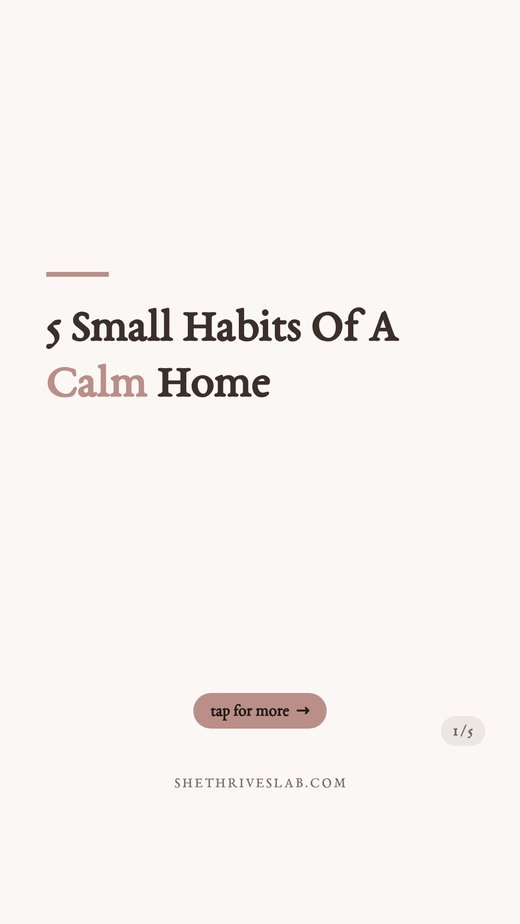

Half of every story template you have ever used is hidden behind the reply box
The story interface covers the top and bottom of the screen — username and progress bars above, “Send message” and actions below. Generic design tools don’t know that, so the text you carefully placed gets swallowed.
Every design in this tool keeps your words inside the safe zone, automatically — and the preview shades exactly what the phone UI will cover, so you see it before you post, not after. The shading is preview-only; your exported files are clean.

Under a minute in the tool, no cuts
A real screen recording: pick a design, paste a post and watch it become a story, drop in background photos, change the font, download. Silent on purpose.
Recorded at normal speed. Nothing sped up, nothing edited out. It plays on its own while it is on screen; press pause any time.
Six designs, shown as real output
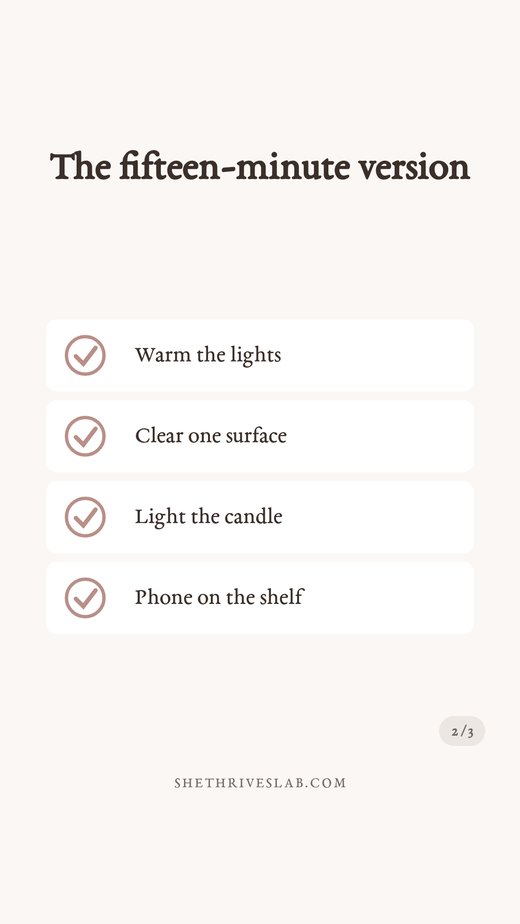
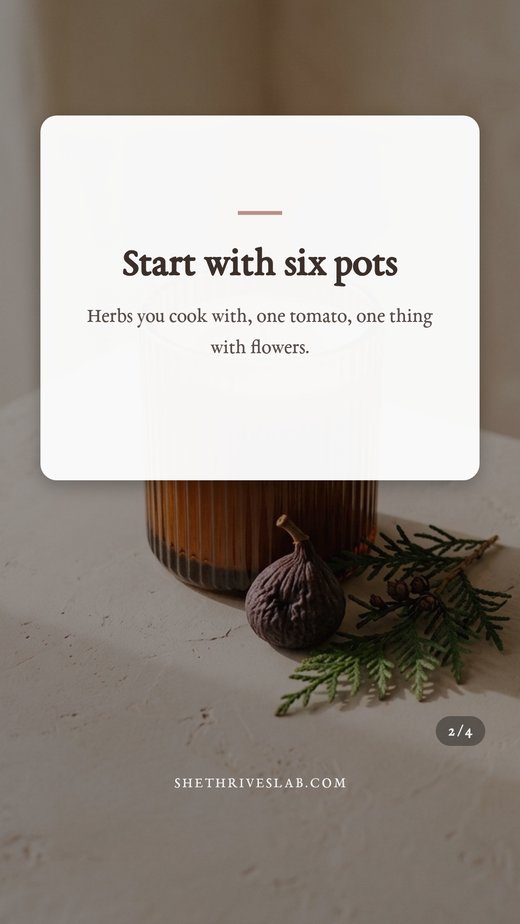
Every slide below came out of She Thrives Stories exactly as you see it. Different posts, different designs, one brand kit.

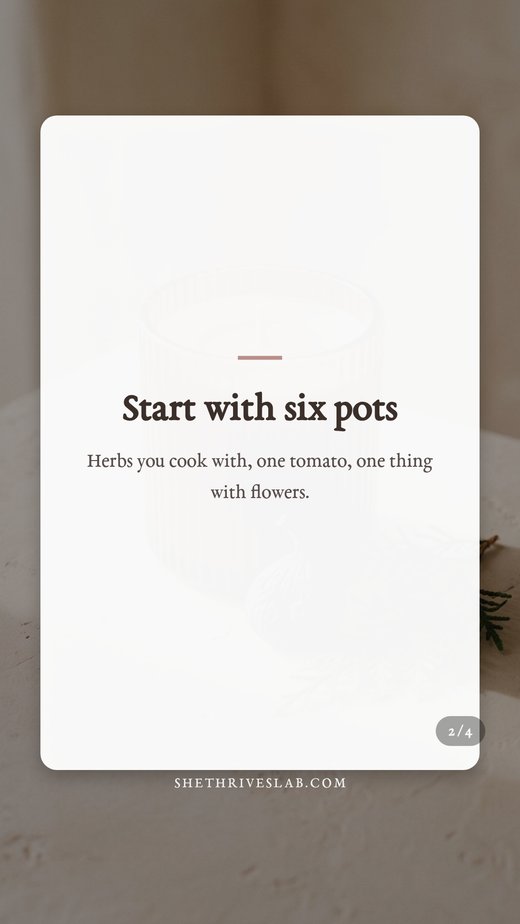



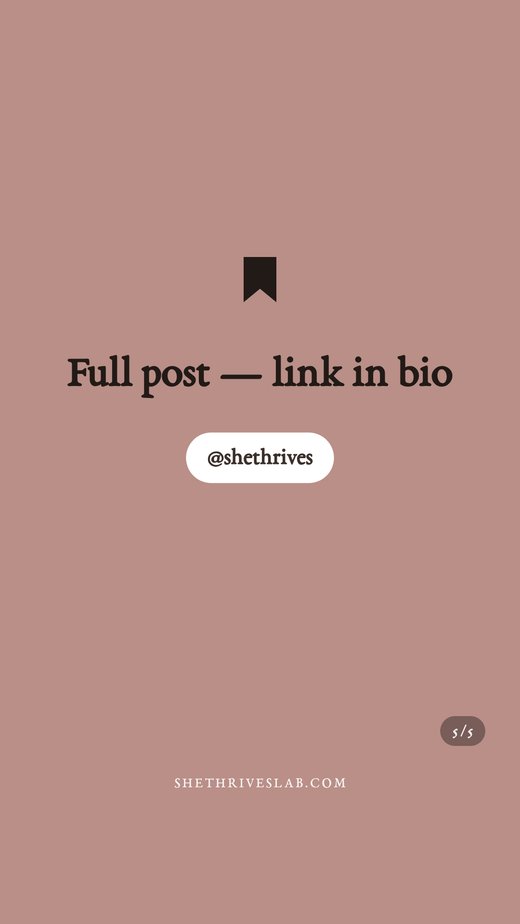
This is one paste. Five slides. A complete story.
Post them as consecutive stories and they play as a tap-through: hook, points, and a closing slide that sends people to your link in bio.
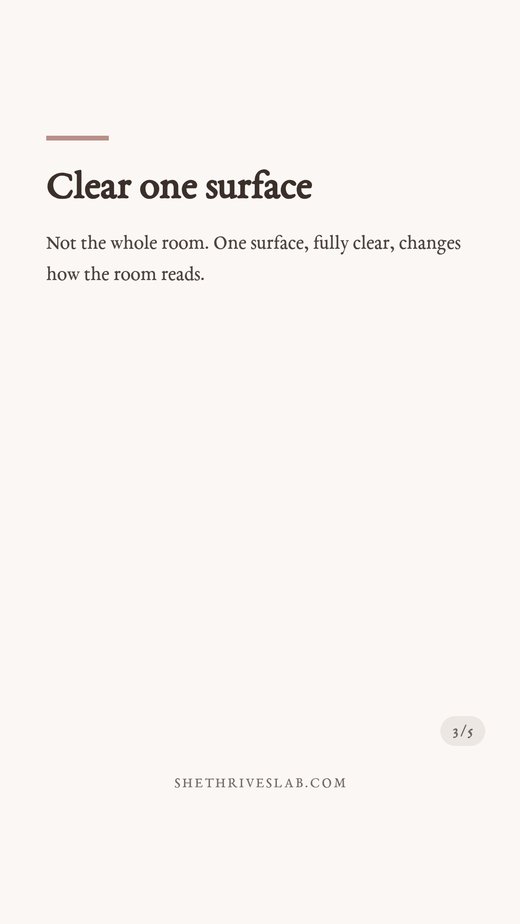

Or export every slide as a video
The same slides, recorded as short videos — typed titles, rising text, ticking checklists. Real exports from the tool, playing below.
Real stickers need real space
A file cannot contain a working poll — polls, questions, sliders and link stickers are added in the app. What a file can do is leave room for them: tick Leave sticker space and every design anchors its text high, keeping the lower half clear for the sticker you add before posting.
Stories with an interaction get shown to more people. The included AI prompts even write poll and question ideas matched to your story.

This is the actual interface
Screenshots of the real thing, so nothing surprises you after you pay. Four small panels, a live preview with the safe zones shaded, two export buttons.
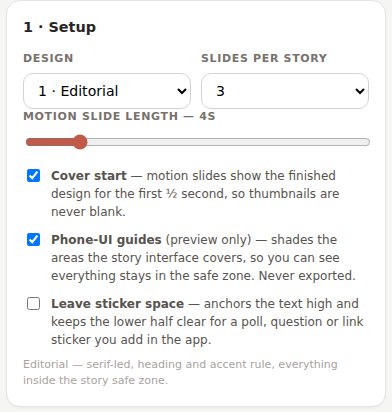
Design, slide count, motion length — plus the phone-UI guides and sticker-space switches.
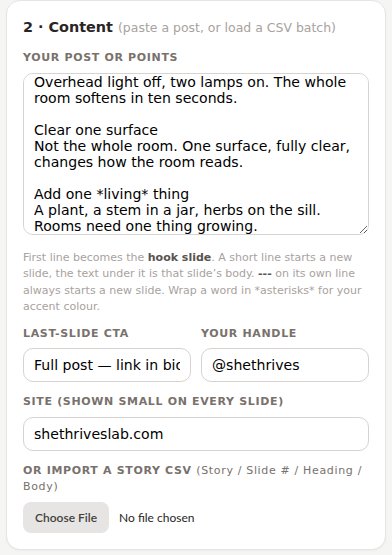
Paste your post here. The rules are printed right under the box — no manual needed.
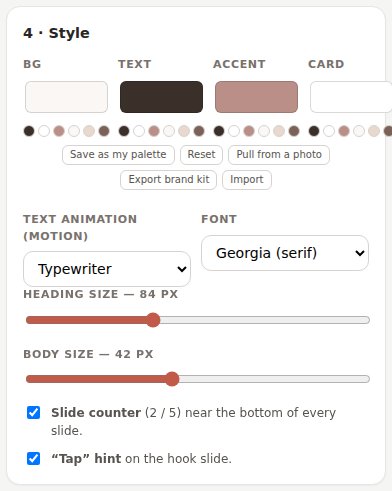
Your colours and font, saveable as a brand kit that works in every She Thrives tool.
Four moves, and none of them is “learn a design app”
Paste your post
First line = hook slide, short lines start new slides. The included AI prompt formats any post for you.
Pick a design
Six of them, all safe-zone aware. Add photos and they cycle across slides with a readable shade.
Check the preview
The guides show exactly what the phone UI covers. Press ▶ on any slide to watch its motion version.
Export & post
Static ZIP instantly, or motion ZIP recorded in real time. Post the slides in order — they play as one story.
Four things I would rather you knew now
None of these will surprise you on day one if you read them today.
No file can contain a working poll or link sticker; anyone suggesting otherwise is drawing a picture of one. This tool designs around the real ones: sticker space on the slides, and prompts that write the poll questions.
A six-second slide takes six seconds, and the tab must stay visible while it works — that is how browsers record video, not slow software. A five-slide motion story is about half a minute. Static slides export instantly.
You get perfectly sized files; posting happens in Instagram, Meta Business Suite or your scheduler. The guide covers the comfortable routes, including posting stories from your desktop.
The tool tests your browser first and uses MP4 whenever it can encode it, which in Chrome is most of the time. If yours cannot, you get WebM — most schedulers accept it, and a free converter flips it in seconds.
Who this is for
- Get it if…
- Your stories go quiet for weeks because making slides is a chore
- You have a blog full of posts that would make perfect tap-throughs
- You have been burned by templates that hide text behind the reply box
- You would rather own a tool once than rent a design suite monthly
- You are comfortable double-clicking an HTML file
- Skip it if…
- You want face-to-camera stories — this makes designed slides, not videos of you
- You want automatic posting — files are made here, posted in the app
- You need music or voiceover on slides — schedulers and the app add those
- You work only on a phone; it runs there, but a computer is the comfortable place for batches
- You want someone to write the stories for you. The prompts help, but this is a tool, not a service
This is where buyer comments will go once there are real ones. Nothing invented sits here in the meantime — if you are reading this, you are early.
The Pin Schedule Planner comes with it
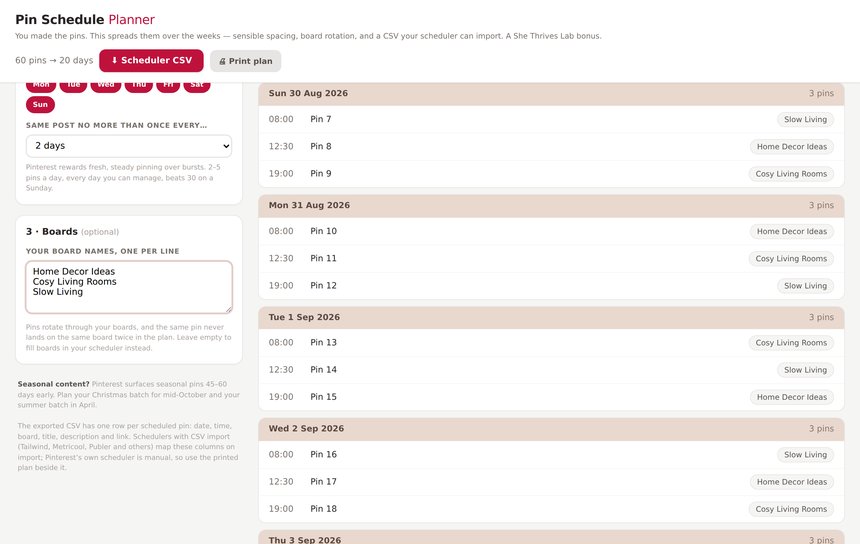
Give it a list of pins — or just a number — and it builds a dated pinning calendar with sensible spacing, board rotation, and a CSV that imports straight into Tailwind, Metricool or Publer. It pairs with She Thrives Traffic, but it is yours regardless, free, in the download folder.
Buy it once. It is yours.
No subscription, no account, nothing to cancel. It runs on your computer, so it keeps working whatever happens to me.
- Six story designs, all safe-zone aware
- 1080 × 1920 — Stories, Reels covers, status posts
- Static ZIP (instant) and motion ZIP (recorded videos)
- Background music mixed into motion exports — your own track, volume control, continuous across slides
- Phone-UI guides in the preview — never in your files
- Sticker space for polls, questions and links
- Four text animations, per-story or per-slide
- CSV import — the same sheet as your Carousels
- Your colours, six fonts, shared brand kit
- Runs offline, on your own computer
- Plain English guide, 2 spreadsheets and 6 AI prompts included
- Pin Schedule Planner included free — turns your pin list into a dated pinning calendar
- Free fixes, forever
If you are also getting She Thrives Blog Graphics, do not buy this here. Add Stories as a tick-box at that checkout and it is $33 instead of $49. Same file, same licence, $16 less. See She Thrives Blog Graphics →
Three promises, in plain words
A file on your computer. No login, no licence server, no monthly fee. If this business disappeared tomorrow, the tool on your desktop would carry on working.
Your photos and text are never uploaded. Every slide is drawn — and every video recorded — inside your own browser, which is also why it works on a train with no signal.
Email support@shethriveslab.com — or reply to your purchase email — and say what you clicked, what you expected and what happened instead. If it is a bug I fix it and send you the new file, free, however long after you bought it.
The ones worth answering
How do the slides become one story?
Post them as consecutive stories, in order — select them all together in the app or your scheduler. Instagram plays them one after another, and viewers tap through exactly like any story. The slide counter (2 / 5) tells people there is more to tap.
Do these work anywhere besides Instagram?
Yes — 1080×1920 is the universal vertical. Facebook Stories, WhatsApp status, Reels covers, and idea-pin-style verticals all take the same files.
How do I get the files onto my phone?
Any way you already move files: AirDrop, Google Drive, or messaging them to yourself. Or skip the phone — Instagram’s website and Meta Business Suite post stories from a desktop, and most schedulers do too. The guide walks through each route.
Can it really not make a working poll?
Correct — and neither can anything else that exports a file. Interactive stickers exist only inside the app. This tool does the honest version: it leaves designed space for the sticker and writes you the poll question ideas.
I own She Thrives Carousels. Is this the same thing taller?
They share the engine, deliberately — same paste rules, same CSV, same brand kit — but stories are a different craft: 9:16, safe zones for the phone UI, sticker space, tap pacing, one-glance text. Same wardrobe, different outfit. And your carousel CSV loads here unchanged, so every post can get both.
Mac? Windows? Phone?
Mac, Windows, Linux — any modern browser; Chrome gives the most reliable MP4 recording. It runs on a phone, but batches are far more comfortable on a computer.
What about updates and refunds?
Updates are free forever — your download link always serves the newest file. Refunds: none, because it is an instant download; that is exactly why this page shows real exports, the real interface, and the four things the tool deliberately does not do. Duplicate charges are refunded immediately, and genuine bugs get fixed free.
Tonight’s story is already written — it’s in your blog
Six designs, safe zones handled, static and motion, your brand. Buy it once and it is yours.