
Hundreds of Pinterest pins, made in an afternoon.
Paste your titles from a spreadsheet. Add your photos, pick a layout, and click once. Every finished pin downloads together, already on brand and correctly sized.
Pinterest rewards volume. Making pins one at a time does not scale.
Everyone tells you to pin consistently. Nobody tells you what that actually costs in hours.
Open the template. Retype the title. Nudge the text box because the title is longer this time. Export. Rename the file. Then do it again, and again, for every single pin, for every single post.
Under a minute in the tool, no cuts
A real screen recording: paste three titles, drop in three photos, switch between four of the card layouts at both pin sizes, change the font, download the ZIP. Silent on purpose.
Recorded at normal speed. Nothing sped up, nothing edited out. It plays on its own while it is on screen; press pause any time.
How many hours a year is this taking you?
That is about 45 hours a year back. The second figure allows a full eight minutes per batch of thirty, counting loading your photos and checking the preview, not just the click.
How many pins can you make at once?
As many as you have titles for. There is no cap in the tool, and no setting that unlocks a bigger one. Your list decides the number, not the software.
Forty blog posts, three pins each, is a hundred and twenty pins from one list. A hundred posts is three hundred. The tool does not care which of those you paste in, and neither takes meaningfully longer to set up.
Type titles straight in, or load a CSV and keep every pin you will ever make in one file. Group it by blog post and render one post’s worth, or the whole sheet, from a dropdown.
The preview draws the first twenty-four so the page stays quick, with Show more and Show all underneath when you want to see the whole batch. The export includes every pin either way.
A big batch is still one click. It is not instant — a few hundred pins render for a few minutes while you do something else.
I built it because I had ninety-five blog posts and no pins
Years of writing, sitting there doing nothing on Pinterest, because making pins for all of it was a job I kept putting off. Three pins per post is nearly three hundred pins. In Canva that is not an afternoon, it is a fortnight, and I never had a spare fortnight.
So I built this instead. I put the titles in a spreadsheet, loaded it, picked the layouts and clicked once. The whole back catalogue came down in one afternoon. That is the entire reason this exists, and it is the job I would use it for first if I were you.
One of these is an afternoon. The other is most of a working week.
Making pins in a design app
- Open the template, retype the title, adjust the text box
- Export one file at a time, then rename each one
- Four to six minutes per pin once you count the fiddling
- Your templates live inside someone else’s account
- A monthly fee, forever, to keep using them
Making pins in She Thrives Traffic
- Paste a whole column of titles straight from a spreadsheet
- Set your colours, fonts and site name once, and they stick
- Click once and every pin renders and downloads together
- Everything runs on your machine, nothing uploads anywhere
- Buy it once and it is yours
All 45 layouts
One list of titles, one folder of photos. Change a single dropdown and the whole set redraws in any of these. Every pin below came out of the tool.


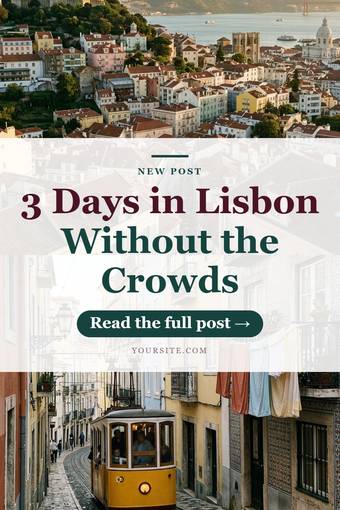


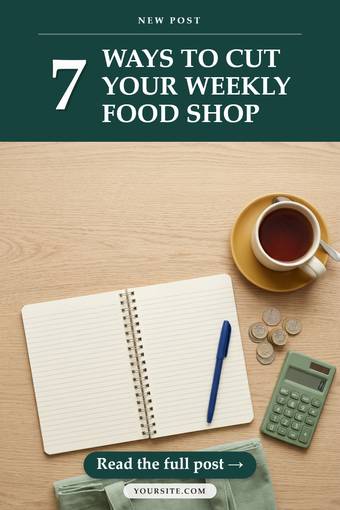


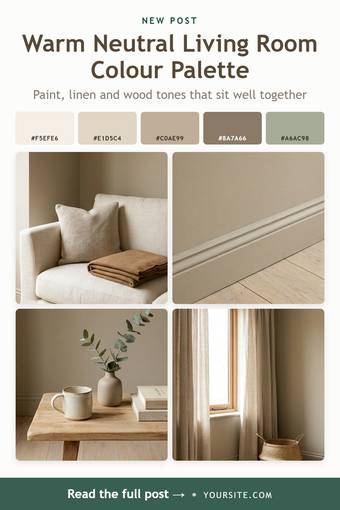
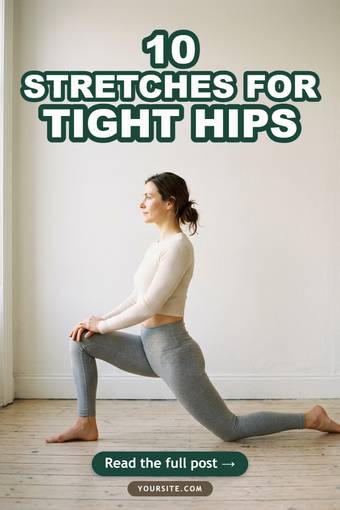
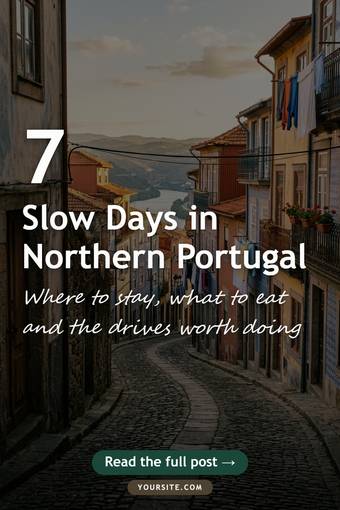
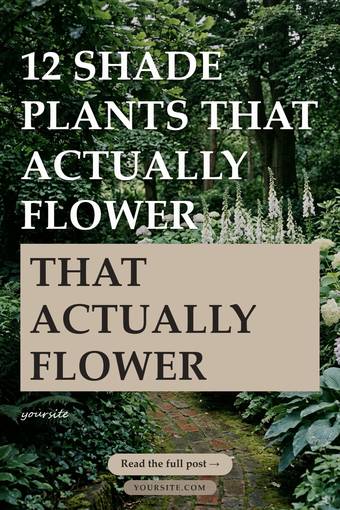

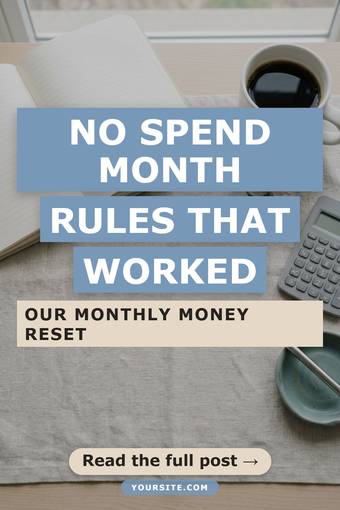



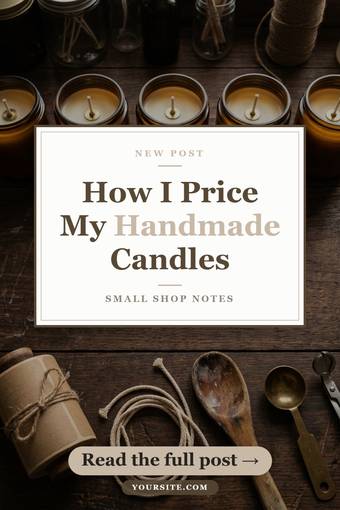
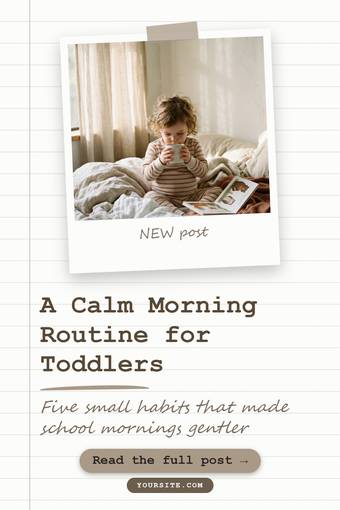
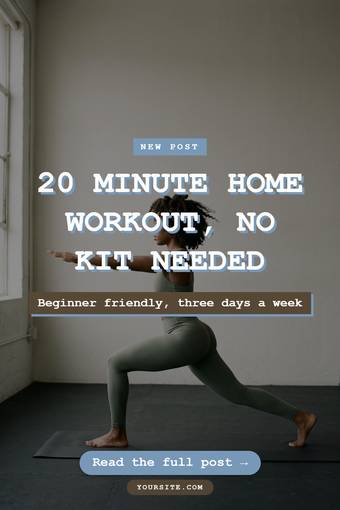
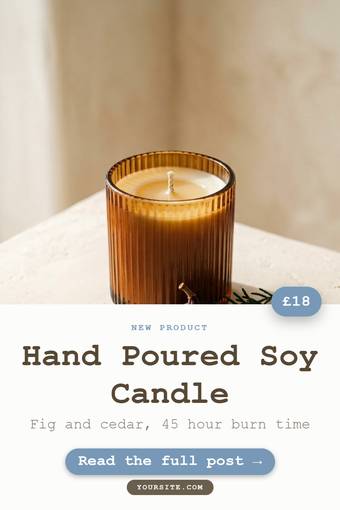
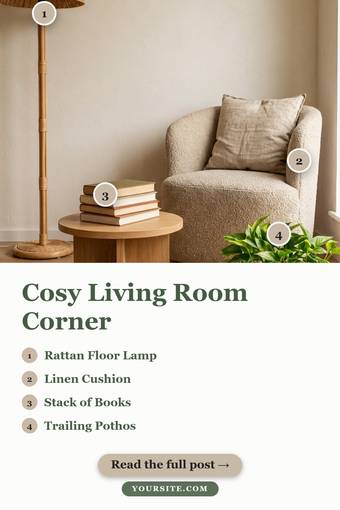
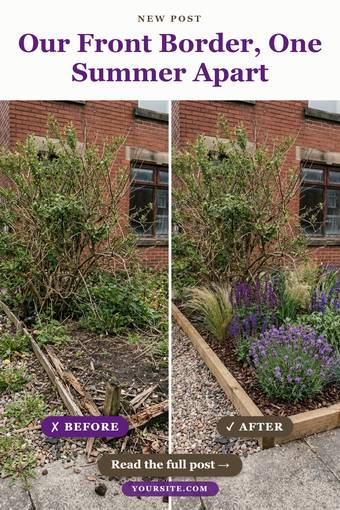

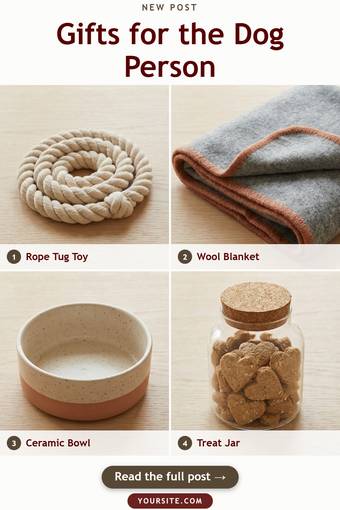
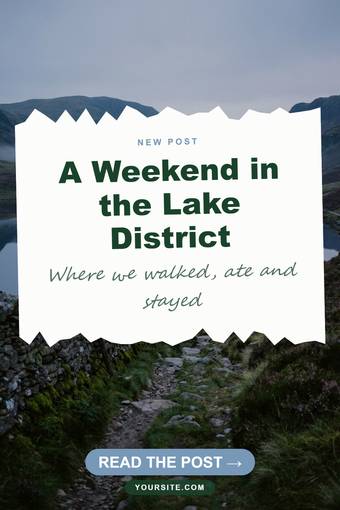
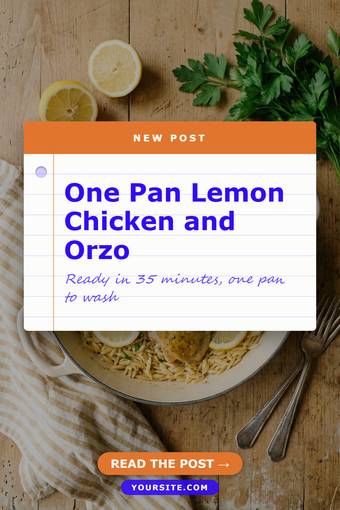
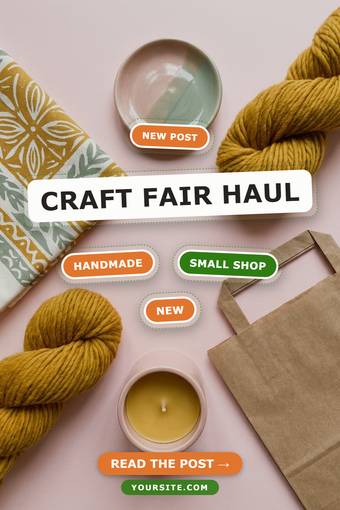

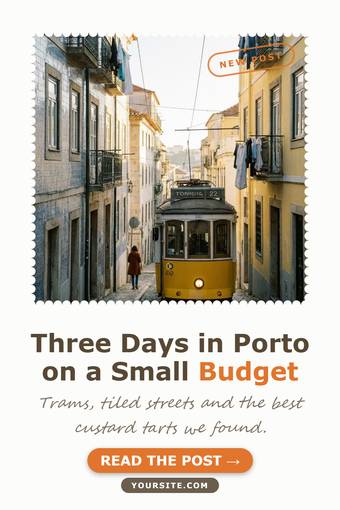
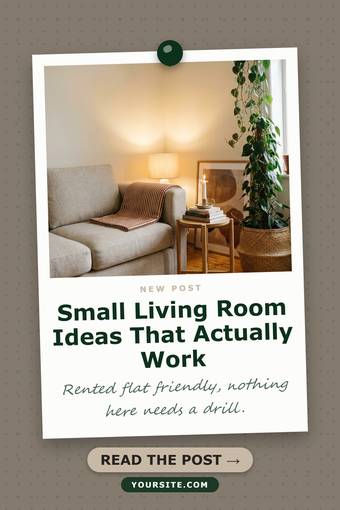
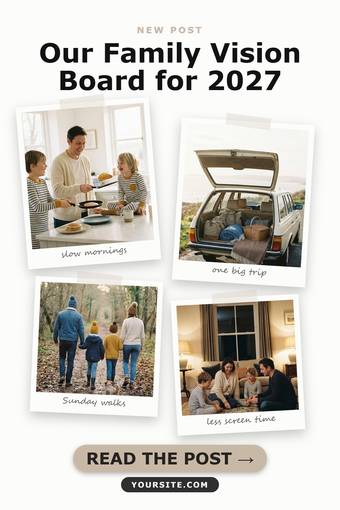
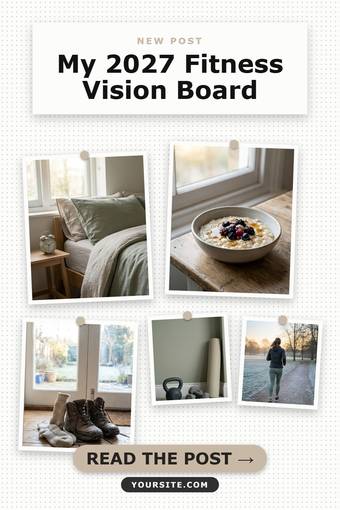
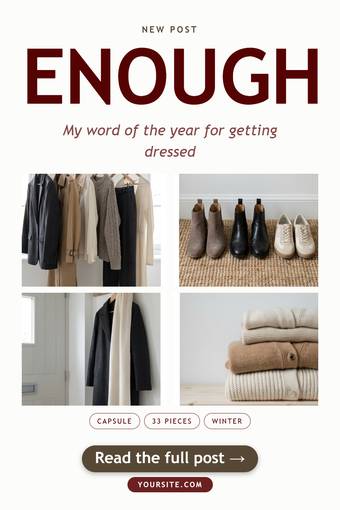

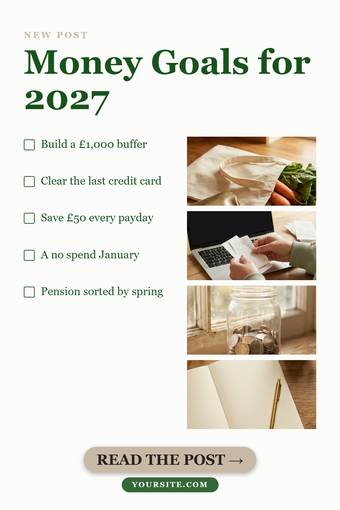
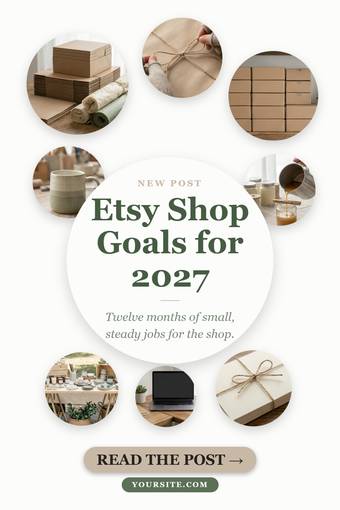
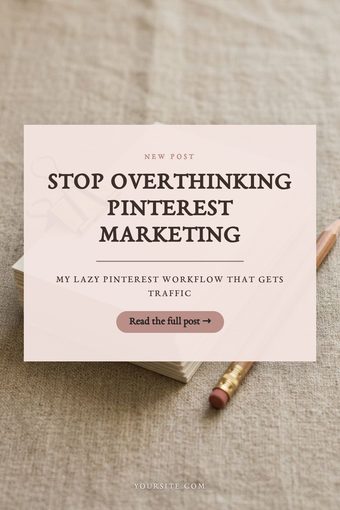
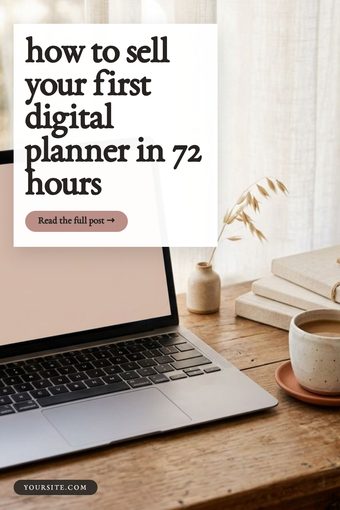
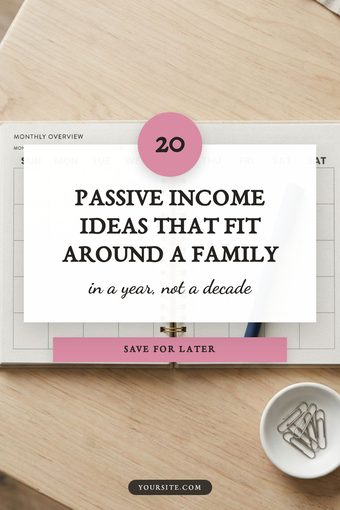
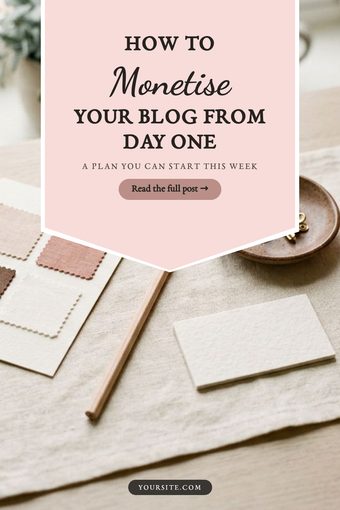
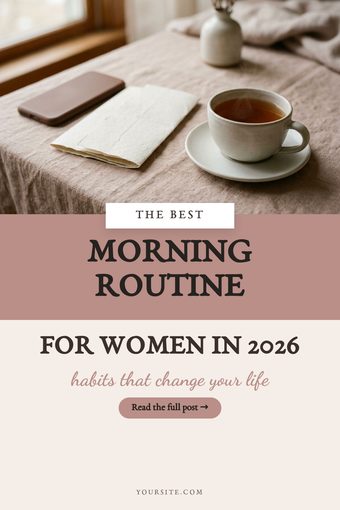
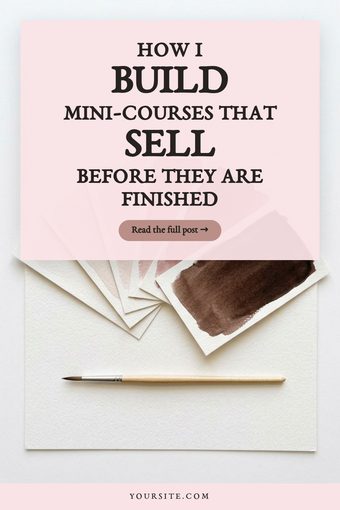
Six of these, numbers 34 to 39, are the vision board set built for the November to January season. Numbers 40 to 45 are the card family: six photo-led layouts built around a text card, with a proper handwriting font embedded in the tool.
Each thing it does, with the pins that show it
Bulk input, one ZIP out
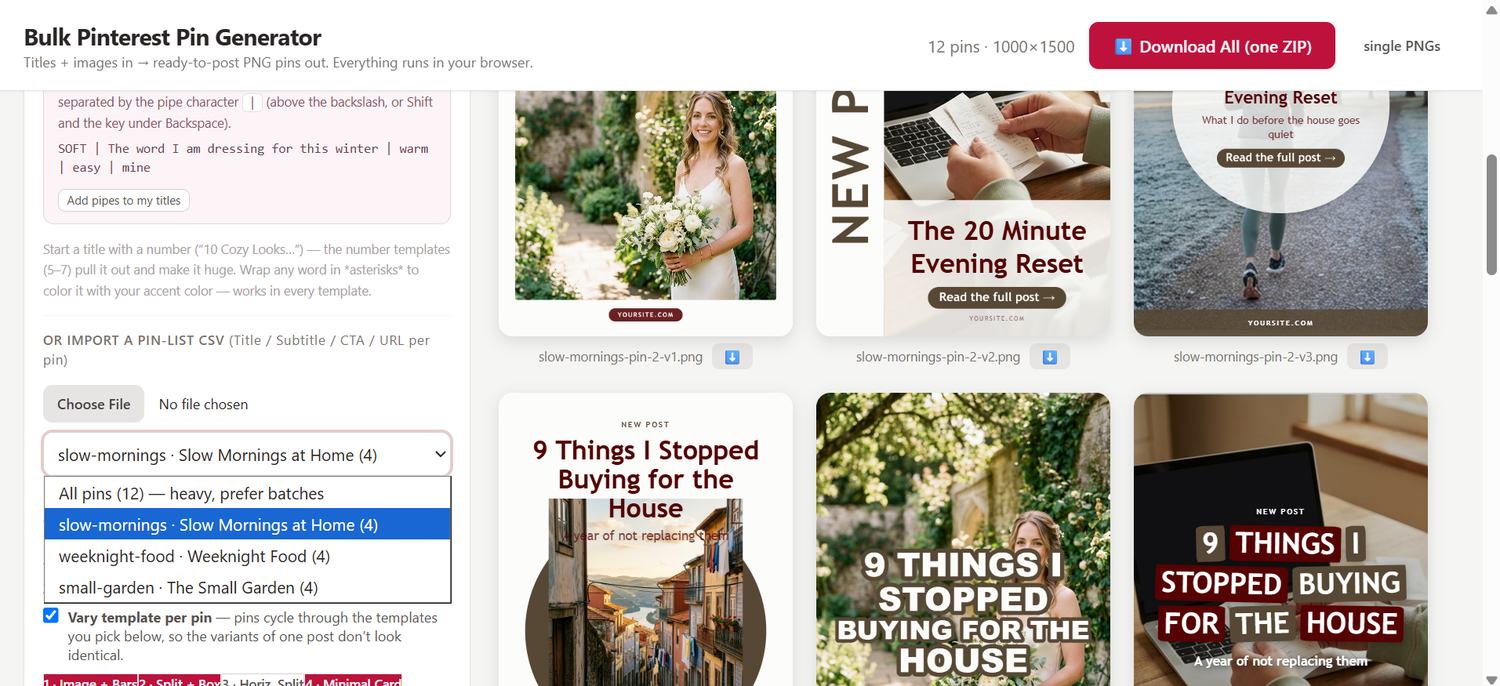
Your titles already live in a spreadsheet. Copy the column, paste the whole thing in, and one line becomes one pin. Add your photos, pick a layout, then click Download All. Every pin renders and comes down as a single ZIP, named and ready to upload.
Three hundred pins is the same number of clicks as three.
Set your brand once, and it stays set
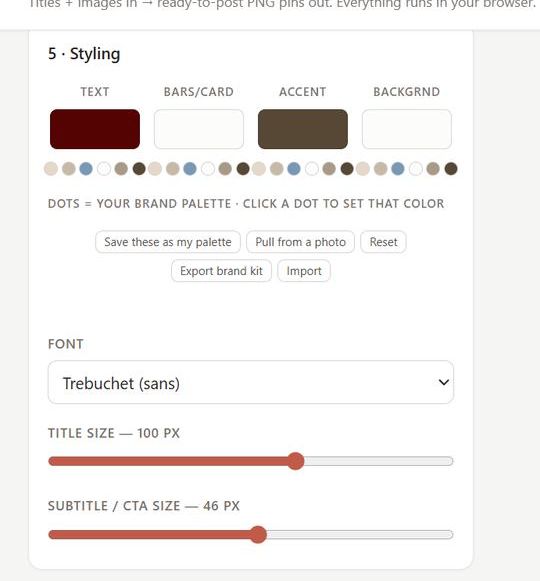
Your colours, your fonts, your site name. Save them and the swatch dots under every picker become your palette, one click away. If your brand lives in your photography rather than a list of hex codes, pull the colours straight out of a photo instead.
It remembers on this computer, and you can export the whole brand kit as a file to carry to another one.
Layouts that do real work, not just frames
Numbered dots you drag onto the item in the photo. Price tags. Star ratings. Checklists. Before and after. Gift guides with a caption under each square. These are not colour variations of one template, they are different jobs.
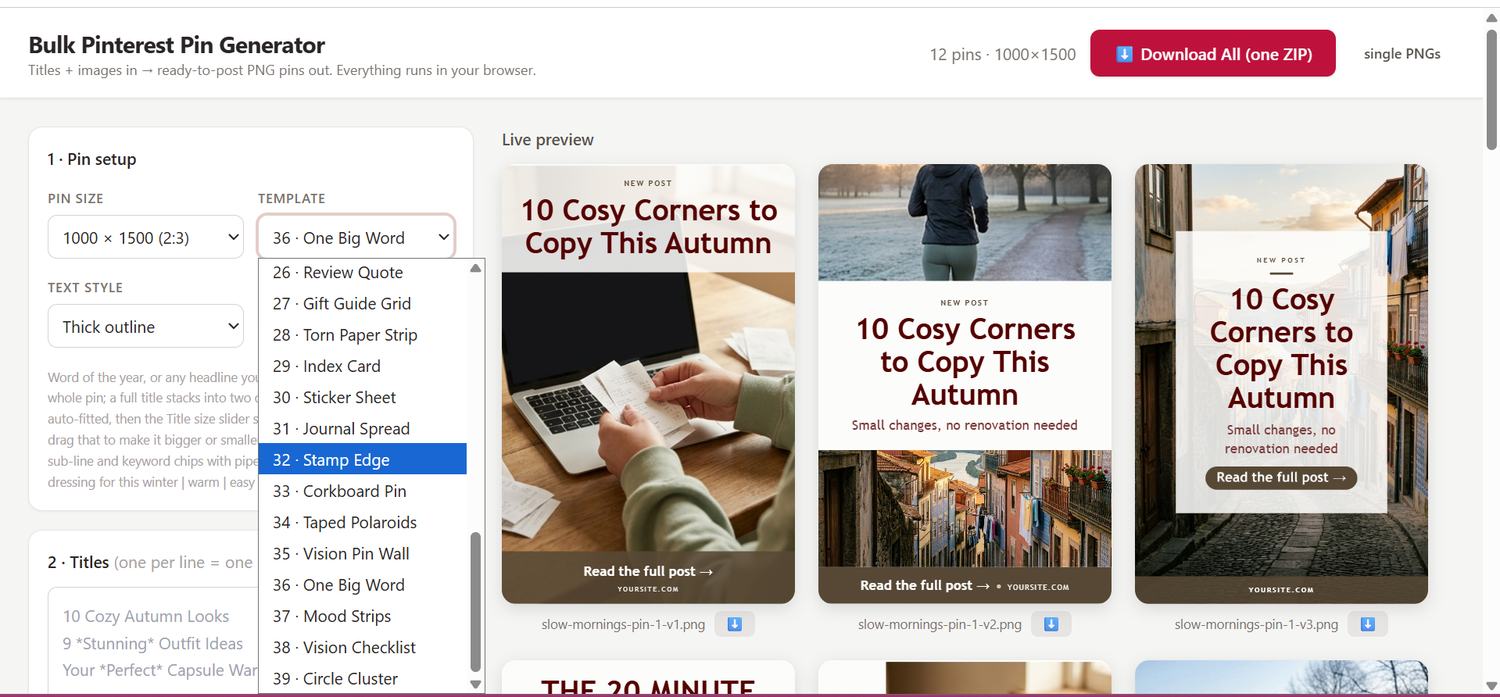
Three different pins from one title, automatically
Pinterest wants several pins per post, and it does not want them to be the same pin. Tick vary template per pin, choose which layouts go into the rotation, and set two or three pins per title.
Each variant comes out on a different layout with a different photo, named post-pin-1-v1, v2, v3, so you can tell at a glance which is which when you schedule them.
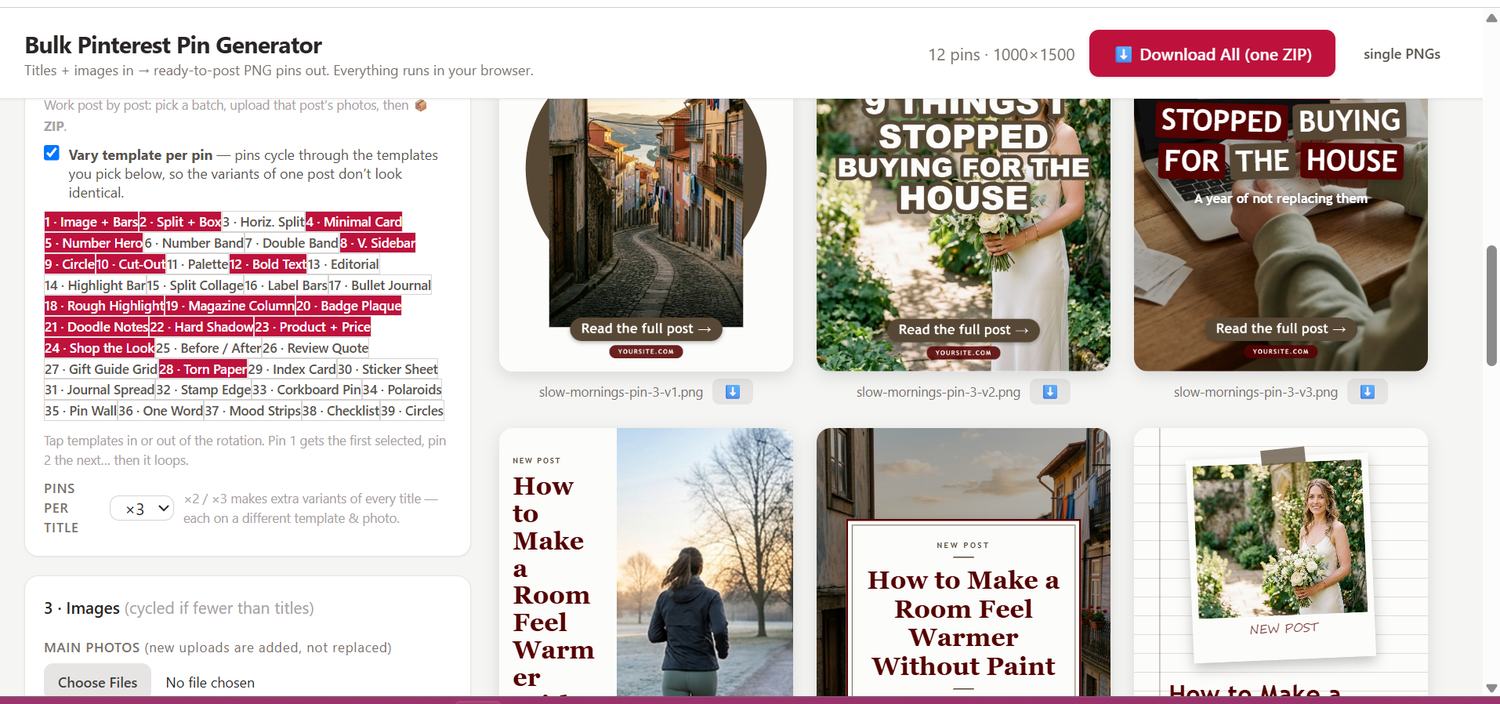
A set built for vision board season
Six layouts made for the weeks from mid November to early January, when vision board, word of the year and goals searches climb. Taped polaroids, a pin wall, one enormous word, a checklist, a circle cluster.
Almost nobody connects those searches to their own niche. That is the opening.


Reframe any photo without leaving the tool
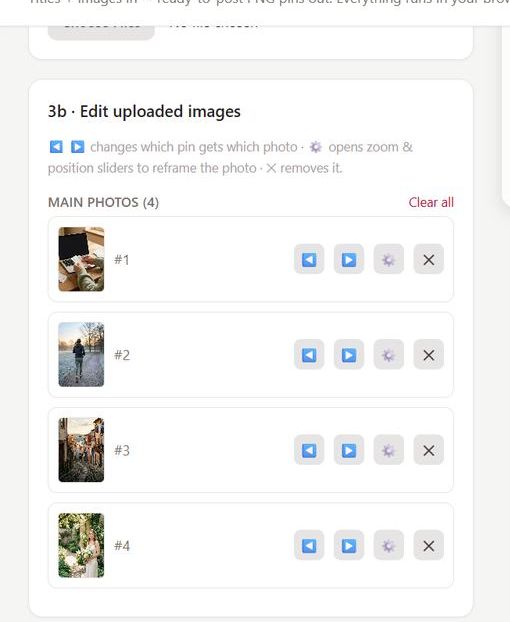
A photo that sits well in one layout can sit badly in another. Each uploaded image gets its own controls: move it to a different pin, open zoom and position sliders to reframe it, or drop it.
No cropping in another app first, and no re-uploading when you change your mind.
Every layout also makes the long 1000 x 2000 pin
A taller pin takes up more of the screen as someone scrolls. Switch the size at the top and the same titles, the same photos and the same layout redraw to fill it, rather than being stretched to fit.
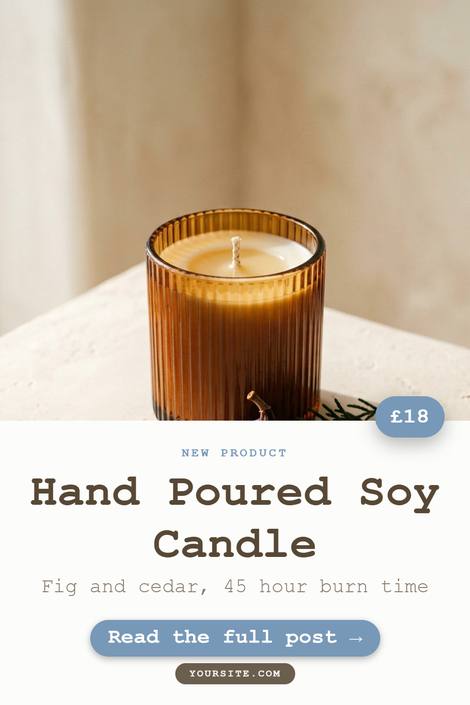

The same title, the same photos, the same layout. Not stretched, redrawn.
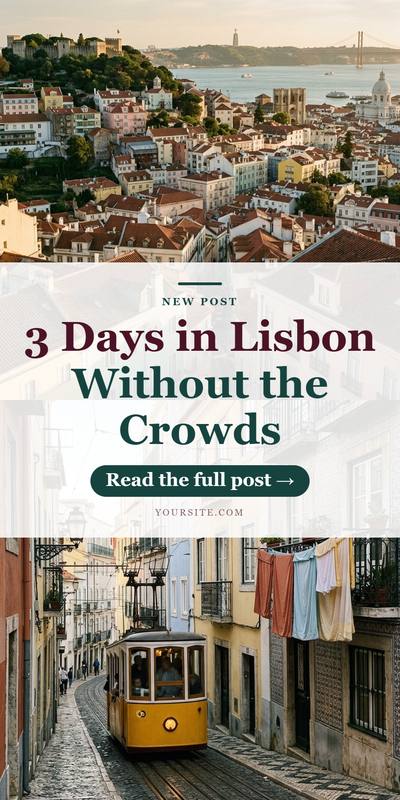

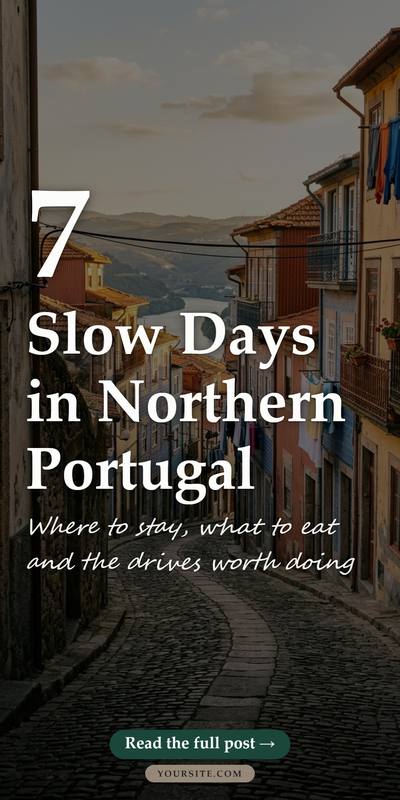

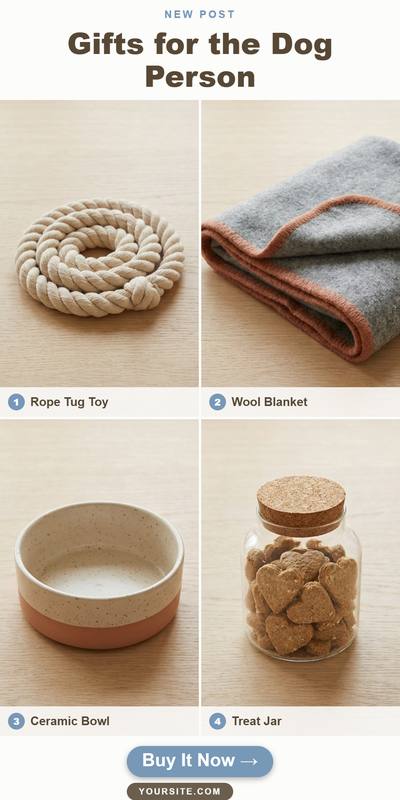
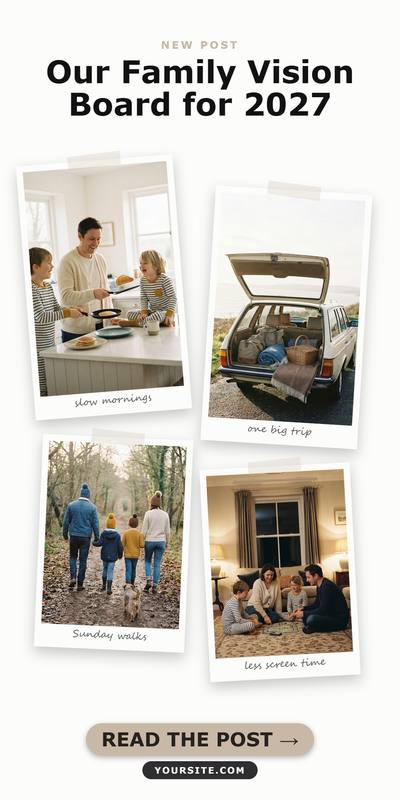
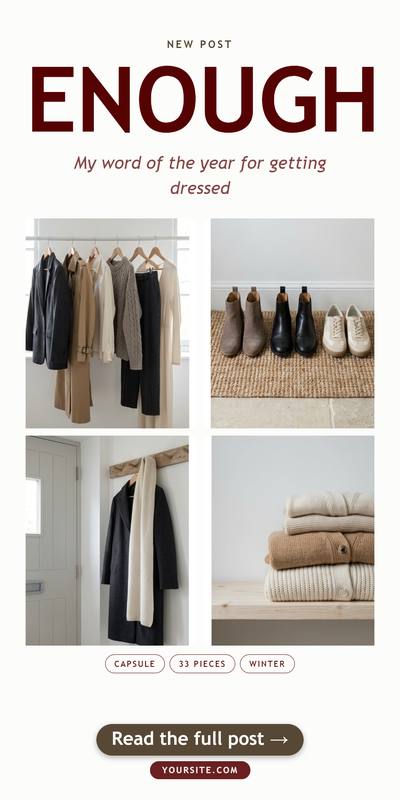
Standard 1000 x 1500 and long 1000 x 2000, both built in. Square and story sizes too.
From buying it to finished pins in under ten minutes
Buy and download
You get a single file. There is nothing to install and no account to create.
Double-click it
It opens in your normal browser. Chrome, Edge, Firefox and Safari all work.
Set your brand once
Colours, font and site name. Saved on your computer, applied to everything after.
Paste, click, done
Titles in, photos in, one click, and the ZIP of finished pins lands in your downloads.
You should know exactly what you are buying
This is for you if
- You want to post to Pinterest often and the making is what stops you
- You already write your titles somewhere, in a spreadsheet or a doc
- You would rather work inside layouts that already look right than drag boxes around
- You are tired of paying monthly to keep access to your own templates
- You make pins for clients as well as for yourself
This is not for you if
- You want it to post to Pinterest for you. It makes the pins, publishing is still yours to do, by hand or with whatever scheduler you already use.
- You want pixel-level control over every single pin. You work inside proven layouts here, and that constraint is exactly what makes 300 pins take minutes instead of days. If that is not the trade you want, keep your design app.
What you get, and what you do not
This is a digital download, so it is yours the second you pay. That means no returns, and I would rather say so here than in the small print.
No returns, and here is why
You get the file immediately. There is nothing to send back, so the sale is final once it is downloaded. The one exception is a duplicate charge: if you are billed twice, tell me and the second payment goes straight back.
So decide with your eyes open
Everything above is here for that reason. All 45 layouts shown in full, the interface photographed rather than described, and the two things it does not do said out loud.
If something is broken, I fix it
Email support@shethriveslab.com — or just reply to your purchase email — and say what you clicked, what you expected, and what happened instead. A real reply from a real person. If it turns out to be a bug I fix it and send you the new file, free, however long after you bought it.
Owning a tool against renting one
Design app plus a scheduler
- Billed every month, or every year, forever
- Stop paying and you lose access to your own templates
- The cost goes up over time, not down
Canva Pro and Tailwind on annual billing, at the time of writing. Monthly billing is closer to $575.
She Thrives Traffic
- Paid once. There is no second payment, ever
- The file is on your computer. Nobody can switch it off
- Use it for your own business and for client work, with no royalty
Less than three months of the subscription, and then it simply stops costing anything.
Here is everything you get
- 45 pin layouts, including the six vision board designs
- Standard 1000 x 1500 and long 1000 x 2000 pins
- Square and story sizes as well
- Bulk input: paste a whole column of titles at once
- Two or three different pins per title, each on a different layout
- Per-photo zoom, reframe and reorder
- One-click ZIP export of every pin in the batch
- Brand kit: your colours, fonts and site name, saved
- Pull a palette straight out of one of your photos
- Export and import your brand kit between computers
- Emphasise any word so it is set larger or in your accent colour
- Draggable numbered dots for shop-the-look pins
- CSV import for pin lists, grouped by blog post
- 41 ready-made spreadsheets, one for every layout
- All 45 layouts in a single file, 225 example rows to flip through
- A blank spreadsheet with the headings already right, to start your own
- Works offline, on your own machine
- Commercial use, for your business and your clients
- An illustrated guide with a searchable contents list
- Nine ready-made AI prompts, including one that writes a whole spreadsheet for you
Forty-one spreadsheets, so you never start from a blank page
Nine of the layouts build a list, and lists need their parts separated in a particular way. Rather than explain that and wish you luck, every layout arrives with a spreadsheet that already has it right.
Forty-five files, named for the layout they belong to, each with five worked rows written for a real niche. Open the one you want, replace the words, load it back in.
A single file holding all 45 layouts and 225 rows, grouped so you can flip through every design with real content in it. The quickest way to find the layouts you will actually use.
Headings already correct, three example rows to overwrite. Open it in Excel, Numbers or Google Sheets, and keep a year of pins in one file.
Every one of them was loaded into the tool and checked before it shipped.
Nine prompts, if you use an AI assistant
Claude, ChatGPT, Gemini, whichever you already use. These are not prompts about the tool. They write the thing the tool needs, and one of them writes your whole spreadsheet, in exactly the shape this reads, ready to load.
I need a CSV file of Pinterest pin titles. Output it as plain
CSV text I can paste into a file and save.

The first row must be exactly this, and the column names
must not change:
Title,Subtitle,CTA,URL,Source,Source Title,Pin #

  ...rules for every column, so what comes back loads
  without you editing a thing...

Give me 3 different pins per blog post, each a genuinely
different angle on the same post — not three rewordings
of the same sentence.

Here are my blog posts:
[PASTE YOUR POST TITLES, ONE PER LINE]
- Turn one blog post into a batch of titles
- Write titles for the nine list layouts
- Clear a whole back catalogue in one go
- Write the Pinterest descriptions to go with them
- Work out which of the 45 layouts suits a post
- Generate the photographs you do not have
- Plan vision board season for your niche
- Multiply a pin that has already worked
Every prompt is in the guide with a copy button, and in a plain text file. Four warnings sit above them, because an assistant will happily invent a statistic and put it on your pin.
One price, and it never renews
You pay once and the file is yours. There is no account, no renewal, and nothing anybody can switch off later.
- All 45 pin layouts, including the six vision board designs
- Standard, long, square and story pin sizes
- Bulk paste and one-click ZIP export
- Brand kit: your colours, fonts and site name, saved
- Vary the layout per pin, and reframe each photo
- CSV import for pin lists
- Every future update and every new layout I add, free
- Commercial use, for your business and your clients
At the checkout you can add She Thrives Traffic in Motion — the video-pin maker — for $30, which turns your still photos into moving pins with 24 motion effects — four of them need no photos at all — and shares the same brand kit. It is a tickbox, not a second decision to make now, and the generator is complete without it.
Delivered as a download the moment you pay. Nothing to install.
This block is intentionally empty. Drop in what your first buyers actually tell you, with their name and what they make pins about. Delete this section entirely until then.
Questions people ask first
Is this really a one-time payment?
Yes. You pay once and download a file. There is no subscription, no account and no renewal. Nobody can take it away from you or raise the price on you later.
Do I need to be good with computers?
You need to be able to double-click a file and paste text into a box. It opens in the browser you already use. There is nothing to install, no software to learn, and no account to create.
Does it post to Pinterest for me?
No, and I would rather say so plainly than let you find out afterwards. It makes the pins. Publishing is still yours to do, either by hand or with whatever scheduler you already use.
What if my brand colours are not in there?
They will be. You set your own colours, fonts and site name, save them, and every layout uses them from that moment on. You can also pull a palette straight out of one of your own photos if you do not know your hex codes.
Can I use it for client work?
Yes. Anything you make with it is yours, including pins you make for clients, with no royalty and no credit required. The only thing you cannot do is pass the file itself on to someone else.
Does it work on a Mac?
Yes. It runs in the browser, so Mac, Windows and Linux all work. Chrome, Edge, Firefox and Safari are all fine.
What happens to my photos?
They stay on your computer. Everything runs locally in your browser, which is also why it keeps working on a plane with no internet.
Can I get a refund if I change my mind?
No, and I want to be straight about it rather than bury it. It is an instant download, so once the file is in your hands there is nothing to return and the sale is final. The only refund I give is for a duplicate charge, if you have somehow been billed twice.
That is exactly why this page shows you all 45 layouts, photographs of the actual interface, and the two things the tool does not do. Everything you need to decide is above, before you pay.
What if it does not work on my computer?
Tell me and I will get it working. It runs in any modern browser on Mac, Windows or Linux, so problems are rare and usually a five minute fix. If it turns out to be a bug in the tool, I fix it and send you the new file free, however long after you bought it.
What is She Thrives Traffic in Motion, and do I need it?
It is a separate tool that turns a still photo into a moving pin, with 24 motion effects made in batches — four of them work from text alone, no photos needed. It shares the same brand kit as the generator, so your colours carry across. You can add it at the checkout for $30.
You do not need it. She Thrives Traffic is a complete tool on its own and nothing in it is held back or locked. Add the video maker if moving pins are something you already want to be posting.
Do I get future updates?
Yes, and at no extra cost. When I add layouts or fix something, you get the new file. Your download link keeps working, so there is nothing to claim and no upgrade to buy.
Stop making pins one at a time
Paste your titles. Add your photos. Click once. Then go and do something else with your afternoon.