
Your blog post is already a carousel.
Paste the post in. Every heading becomes a slide, your CTA becomes the last one, and the whole carousel comes out finished — for Instagram and Pinterest, static or moving, in your brand.



Carousels work. Making ten slides by hand is why you stopped posting them.
Everyone knows carousels get saved and shared more than single posts. Nobody talks about the hour in Canva each one costs — duplicating frames, re-fitting text, exporting slide by slide, then doing it again at a different size for Pinterest.
Meanwhile the blog post the carousel comes from is already written. The headings are the slides. The work is done — it is just in the wrong shape.
Under a minute in the tool, no cuts
A real screen recording: pick a design, paste a post and watch it become slides, drop in background photos, change the font, download. Silent on purpose.
Recorded at normal speed. Nothing sped up, nothing edited out. It plays on its own while it is on screen; press pause any time.
Paste the post. That is the whole job.
The first line becomes the hook slide. Every short line becomes a new slide, with the text beneath it as that slide’s body. Your call-to-action becomes the final slide with your handle on it. You choose how many slides — it fits the content to your number.


That exact text, pasted once — hook, three content slides, CTA. Untouched output.
Six designs, shown as real output
Every image below came out of She Thrives Carousels exactly as you see it. Different posts, different designs, one brand kit.




One whole carousel, slide by slide
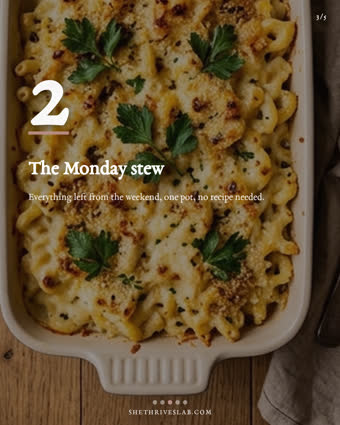
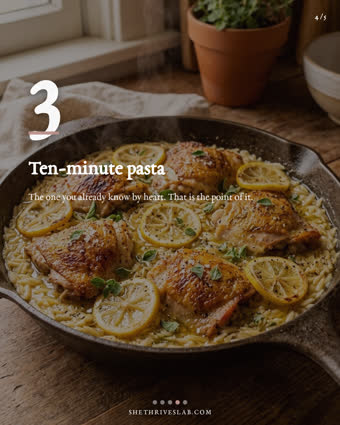
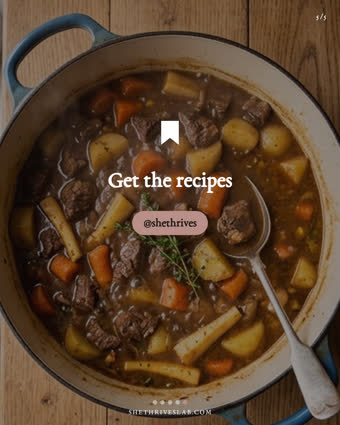
Hook → three recipes → CTA, on the Big Number design with the buyer’s photos behind. Progress dots and slide numbers are drawn for you.
Motion slides, playing right now.
Flip one switch and every slide records as a short video — your text animating in, your photo slowly moving. Instagram carousels accept video slides alongside images; on Pinterest, use them as single video pins. These three are real exports.
From post to posted in minutes
Paste your post
Or load a CSV batch — the same spreadsheet format the other She Thrives tools use, one carousel per post.
Pick a design
Six designs, your colours and font, background photos if you want them, slides fitted to the count you choose.
Export for both platforms
One click gives you every slide as numbered PNGs — 1080×1350 for Instagram, 1000×1500 for Pinterest, or both at once.
One brand kit across the whole Lab
Carousels shares its brand kit with She Thrives Traffic and Traffic in Motion. Set your colours once, export my-brand-kit.json, and your pins, video pins and carousels all match — same accent, same feel, one visual voice across both platforms.

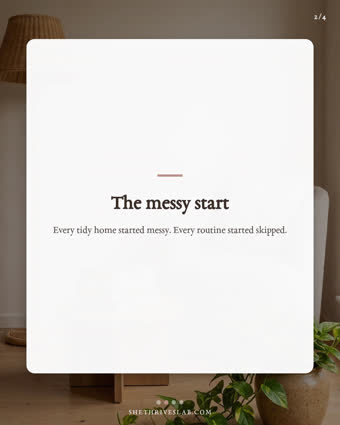
You control the shape
Slides per carousel — auto, or exactly the number you want, with long text split at sentence boundaries rather than cut. Text top, middle or bottom. Heading and body sizes on sliders. Progress dots, swipe hint and slide numbers drawn for you.
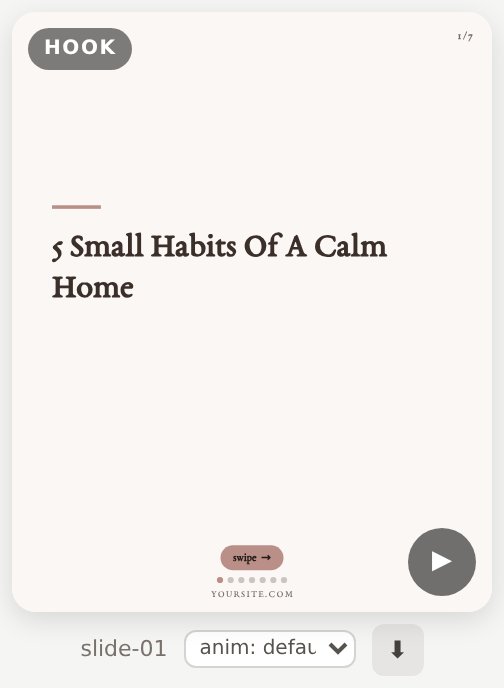

This is the actual interface
Photographs of the real thing, so nothing surprises you after you pay. Four numbered panels, one preview, two export buttons.
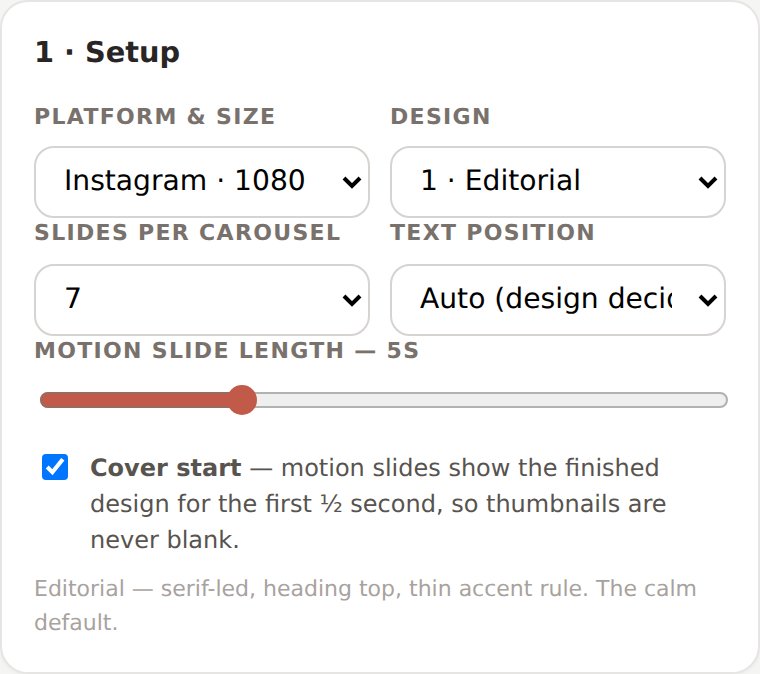
Platform, design, slides per carousel, text position, motion length — one small panel.
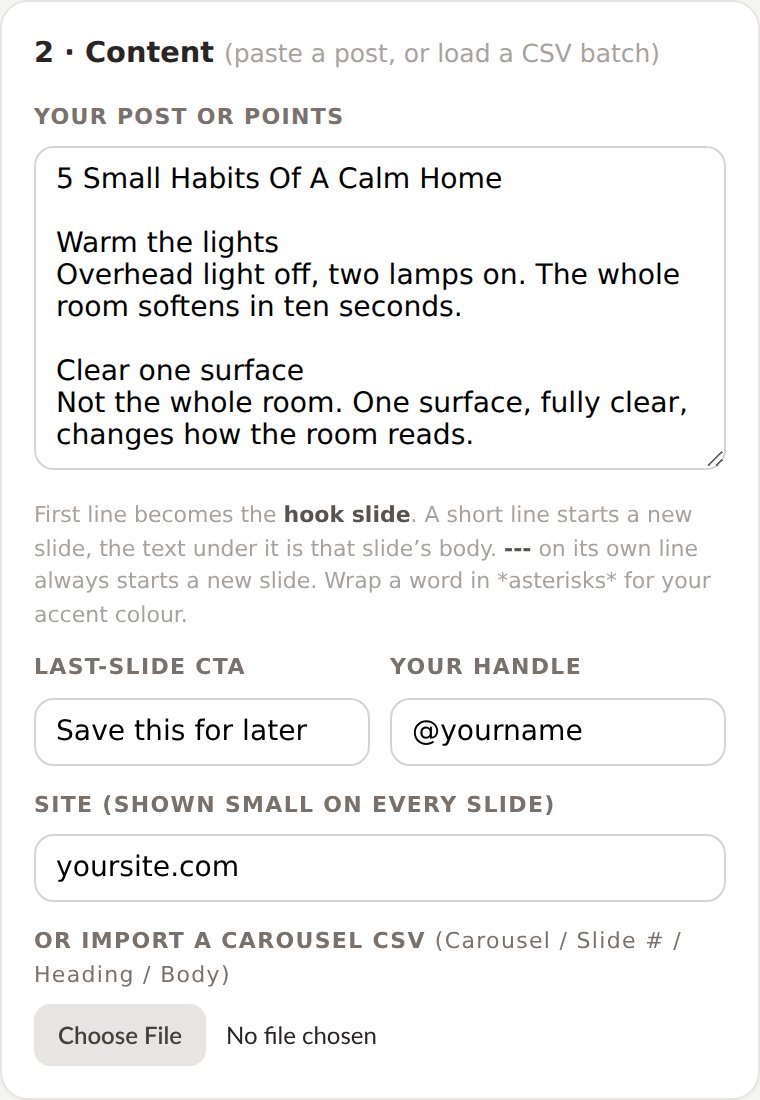
Paste your post here. The rules are printed right under the box — no manual needed.
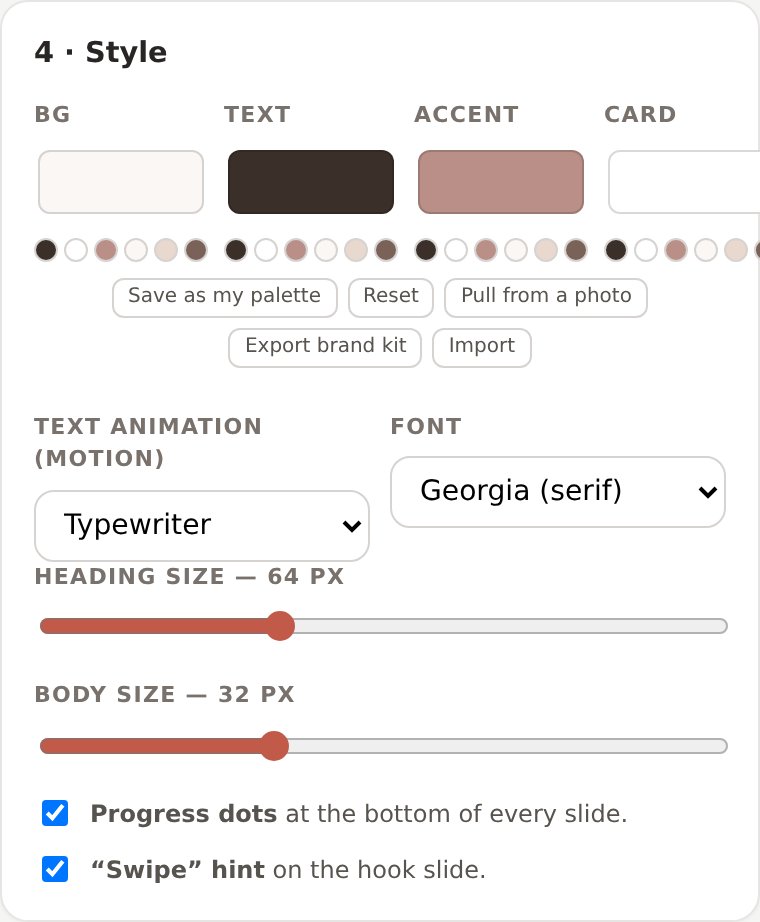
Your colours and font, saveable as a brand kit that works in every She Thrives tool.
Four things I would rather you knew now
A tool that runs entirely on your computer cannot go and read your website; browsers block that on purpose. Copy the post, paste it in. There is also an AI prompt in your download that turns any post into a ready-to-load carousel spreadsheet.
A 5-second slide takes 5 seconds to export, and the tab must stay visible while it records. Static slides export instantly. A six-slide motion carousel is about half a minute of kettle time.
Instagram accepts video slides inside a carousel; Pinterest does not. Your motion exports still work on Pinterest — as single video pins, which is exactly what Traffic in Motion buyers post every day.
The tool warns you when a carousel runs over, and the slide-count control fits your content to any number you pick — trimming from the end, never from the middle.
The Pin Schedule Planner comes with it
You made the content. This plans the posting.
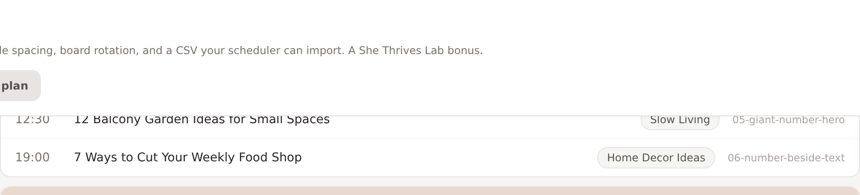
Load your pin or carousel spreadsheet, set your rhythm — pins per day, the days you post, how far apart pins from the same post should sit — and it lays out the whole calendar: dates, times, boards in rotation.
Then one click exports a scheduler-ready CSV (date, time, board, title, description, link) for Tailwind, Metricool, Publer and friends — or print the plan and work through it by hand.
Who this is for
- You have blog posts, and the carousel is always the step that does not happen
- You post to Instagram and Pinterest and are tired of making everything twice
- You would rather own a tool once than rent Canva Pro forever
- You want motion in your carousels without opening a video editor
- You already use She Thrives Traffic and want everything matching
- You want finished content written for you — this shapes your words, it does not write them
- You need photo editing, illustrations or AI images; it works with photos you have
- You post carousels rarely enough that an hour in Canva does not hurt
- You work only on a phone; it runs there, but batching wants a computer
This is where buyer comments will go once there are real ones. Nothing invented sits here in the meantime — if you are reading this, you are early.
Buy it once. It is yours.
No subscription, no account, nothing to cancel. It runs on your computer, so it keeps working whatever happens to me.
- Six carousel designs, static and motion
- Instagram 1080×1350 and Pinterest 1000×1500 — or both in one export
- Paste a post, or batch whole months from a CSV
- Background photos, your colours, six fonts
- Four text animations, settable per slide
- Background music mixed into motion exports — your own track, volume control, continuous across slides
- Slides-per-carousel and text-position controls
- Shares one brand kit with the other She Thrives tools
- Plain English guide, CSV templates and AI prompts included
- Pin Schedule Planner included free
- Free fixes, forever
If you are getting She Thrives Traffic, the still-pin tool, do not buy this page. Add Carousels for $39 — and Traffic in Motion for $30 — as tick-boxes at that checkout. The whole Lab, $138 instead of $177. See She Thrives Traffic →
Three promises, in plain words
A file on your computer. No login, no licence server, no monthly fee. If this business disappeared tomorrow, the tool on your desktop would carry on working.
Your posts and photos are never uploaded. Every slide is drawn inside your own browser, which is also why it works on a train with no signal.
Email support@shethriveslab.com — or reply to your purchase email — and say what you clicked, what you expected and what happened instead. If it is a bug I fix it and send you the new file, free, however long after you bought it.
The ones worth answering
What exactly do I receive?
A single HTML file you double-click — the tool — plus the Pin Schedule Planner, a plain English guide, carousel CSV templates and AI assistant prompts. It opens in Chrome, Edge, Firefox or Safari. Nothing to install, no account to make.
Does it write the carousel for me?
No — it shapes what you wrote. Your headings become slides exactly as you wrote them. The included AI prompts will help you turn a long post into tight slide text, but the words stay yours.
Can I use my own photos as backgrounds?
Yes. Upload as many as you like; they cycle across the slides with an adjustable shade under the text so it stays readable. No photos works too — you get your brand colour instead.
How is this different from Canva templates?
A template is one design you fill in slide by slide, one post at a time, inside someone else’s subscription. This is a tool: it eats the whole post, produces every slide for both platforms in one click, does motion versions no template can, and lives on your computer with no account anywhere.
Do motion carousels work on Pinterest?
Pinterest carousels are images only, so use the static export there. Your motion slides still earn their keep on Pinterest as single video pins — and on Instagram, video slides go straight into the carousel.
Does it work with She Thrives Traffic?
They are family. Same CSV format, same brand kit file — set your colours in one tool and import them in the other. A blog post can become still pins, video pins and a carousel without touching a colour picker twice.
Can I use it for client work?
Yes. Everything you make is yours to sell or use commercially, no credit required. What you may not do is pass on or resell the tool file itself. The full licence comes with it.
What if it is not what I expected?
Because it is an instant download, it is not returnable once you have it — that is stated at checkout before you pay, and it is why this page shows real output and lists what the tool does not do. If something is broken, that is different: tell me and I will fix it.
The carousels you keep meaning to make
The posts are written. The headings are the slides. This is the tool that changes their shape — for both platforms, in your brand, in minutes.
Get She Thrives Carousels — $59