
Every graphic a blog post needs. One click.
Type the post title. Out comes the featured image, the social share card, a square graphic and the email header — in your colours, your font, named and sized for your blog. A whole back catalogue in one batch.
Get She Thrives Blog Graphics — $59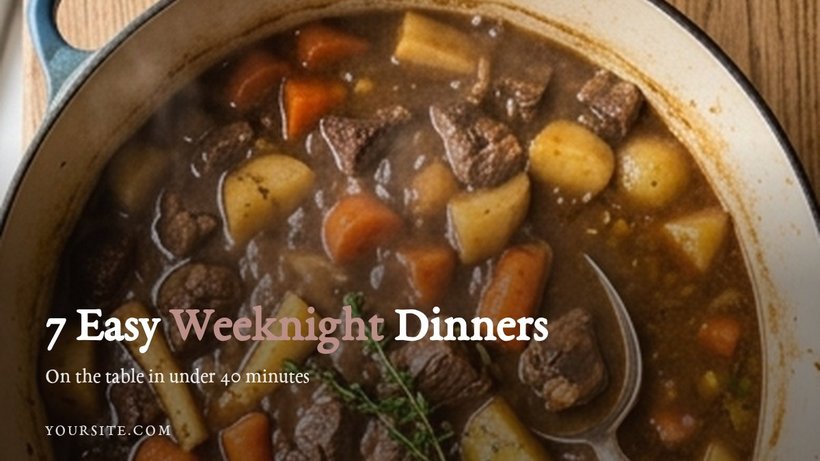
Writing the post is the fun part. Then come the graphics.
Every post needs a featured image. Then someone shares it and the platform crops that image badly, so it needed a share card too. The newsletter needs a header. The post could use a graphic in the middle.
So you open Canva, and forty minutes later you have one image at one size, and “resize” has cropped your photo so the plate — or somebody’s head — is half out of frame. Multiply by every post you have ever written.
Under a minute in the tool, no cuts
A real screen recording: pick a layout, paste three post titles, drop in photos, change the font, download every size at once. Silent on purpose.
Recorded at normal speed. Nothing sped up, nothing edited out. It plays on its own while it is on screen; press pause any time.
One post in. Four finished files out.
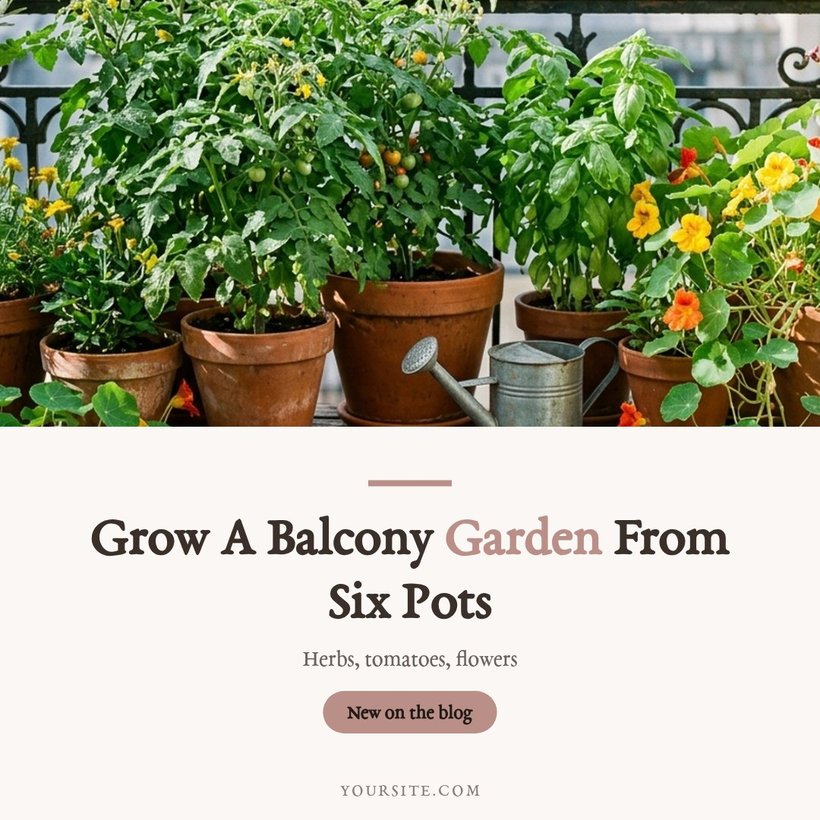
Everything below is a genuine export of the same post — one title typed once, one photo, one click. You design nothing four times: each layout recomposes itself per shape, and titles shrink to fit rather than ever clipping.
1200 × 675
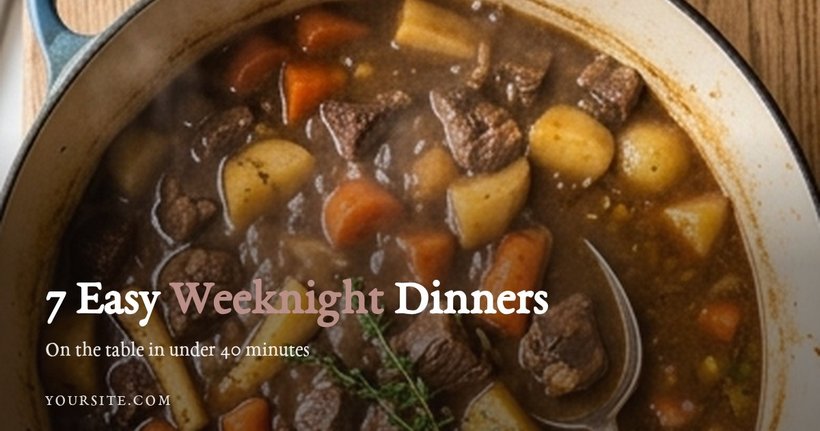 1200 × 630
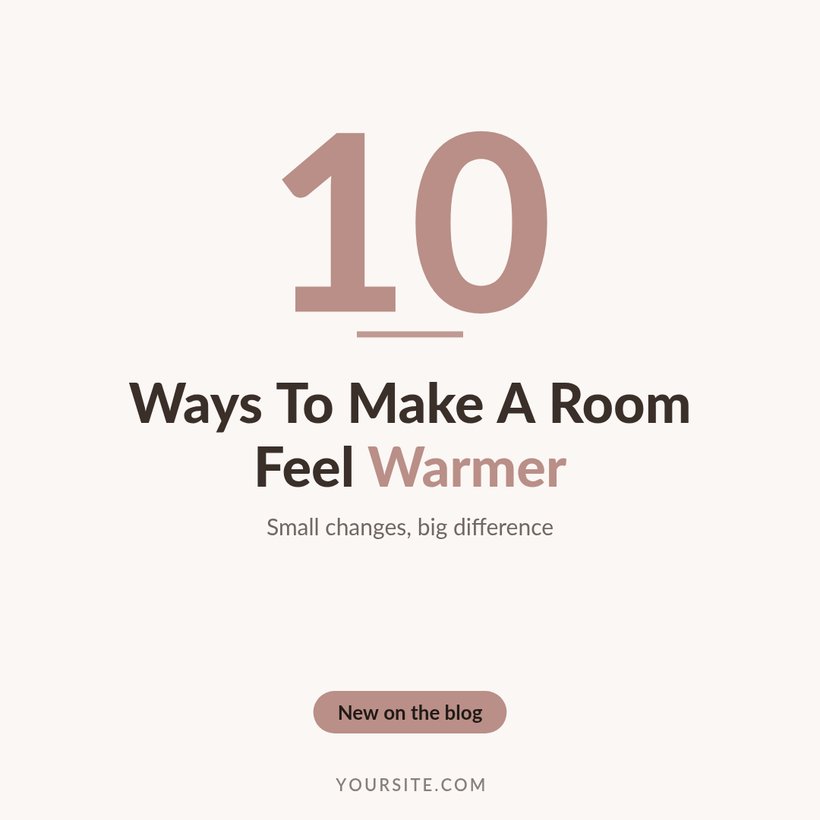
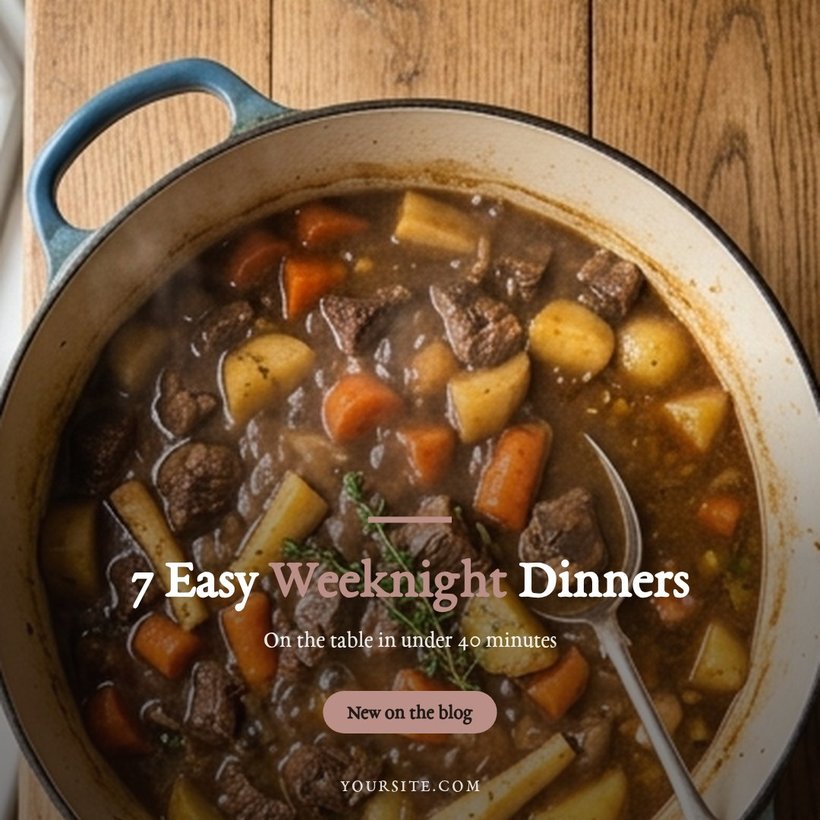 1080 × 1080
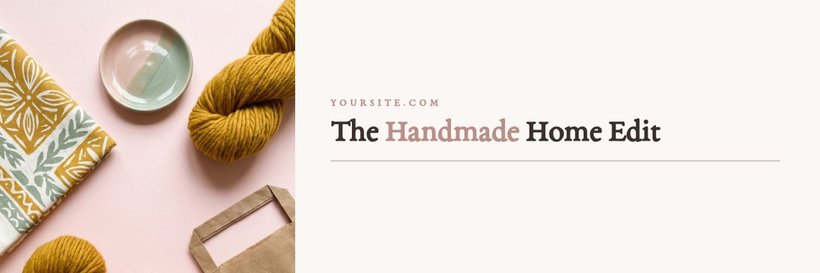
 1200 × 400
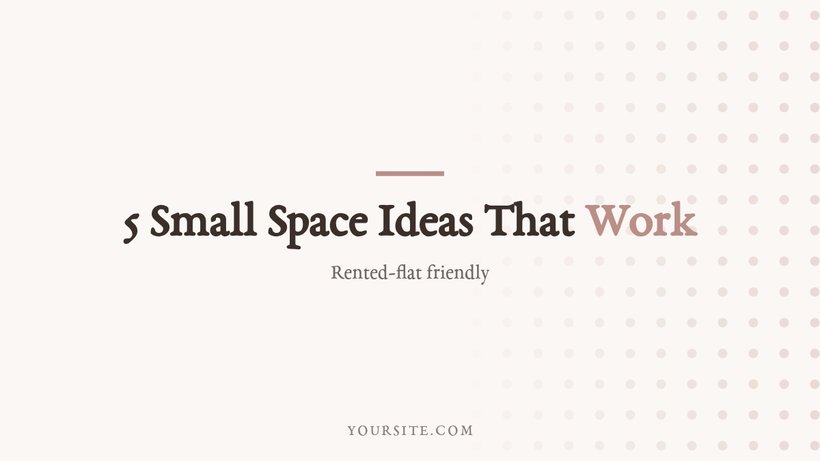
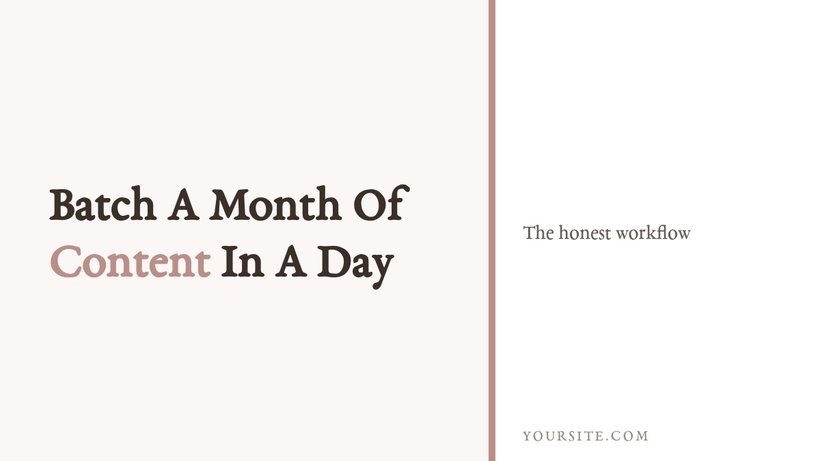
Twelve layouts, shown as they export
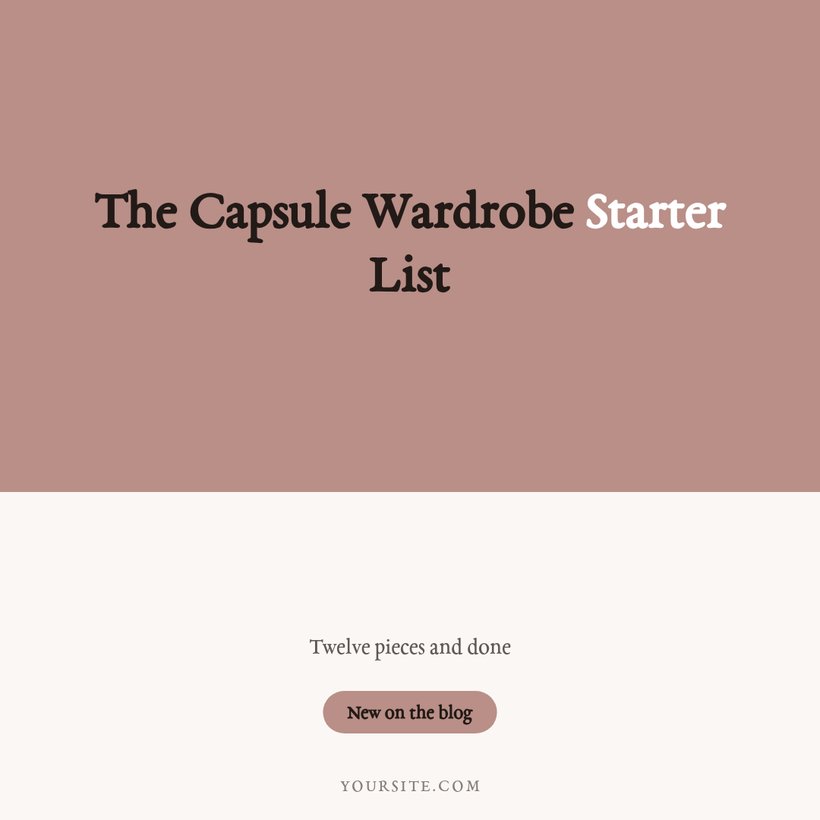
Every image below came out of She Thrives Blog Graphics exactly as you see it. Different posts, different layouts, one brand kit.
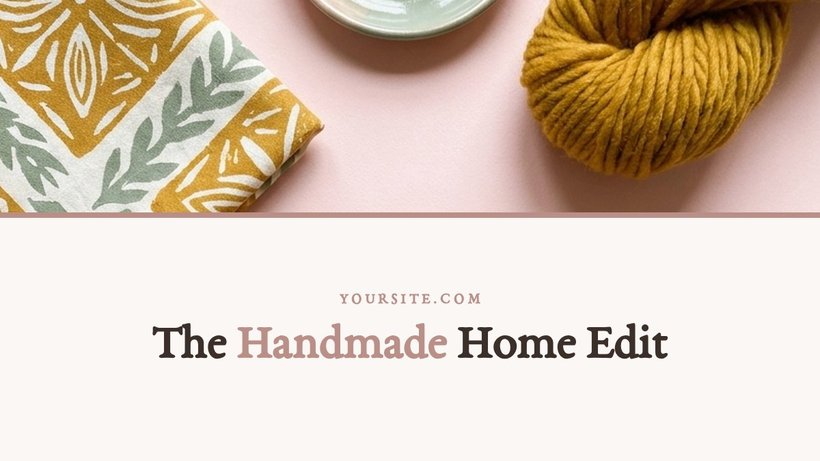
Photo-led
5 layoutsYour photos, cropped around the focal point you choose.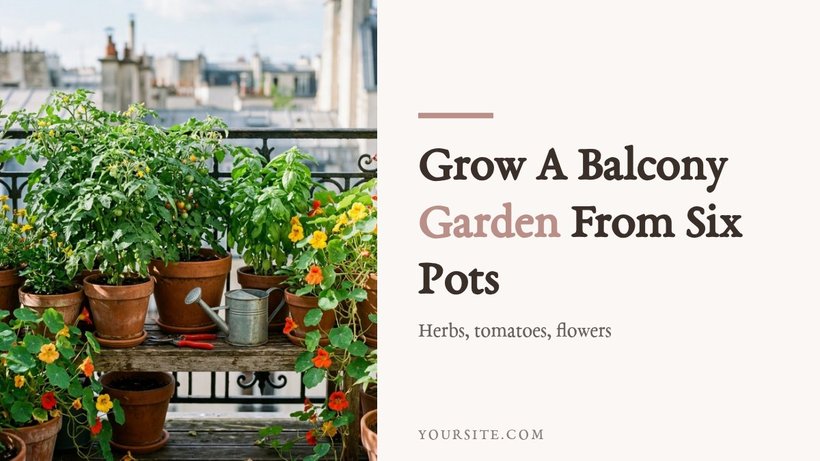
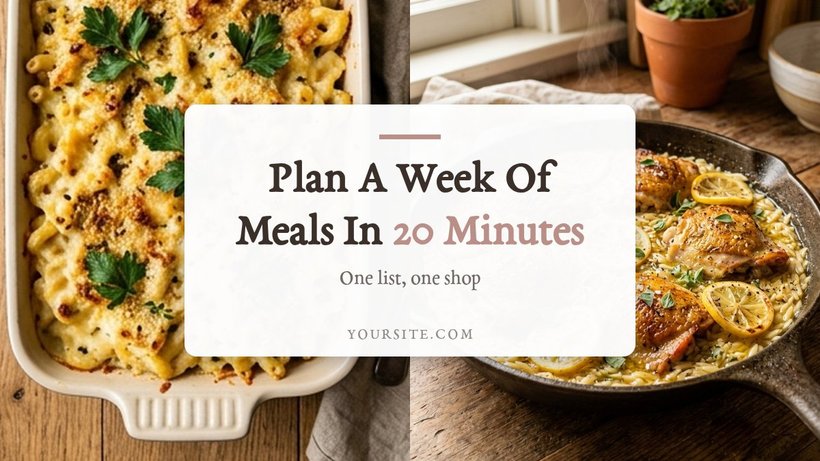
No good photo for a post?
Photo layouts fall back to your colours — and seven layouts never needed one.
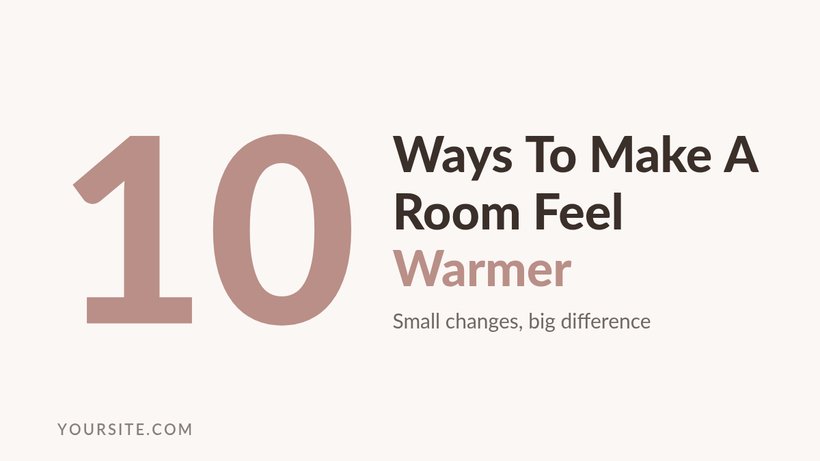
No photos needed
4 layoutsPublish before you have taken a single photo.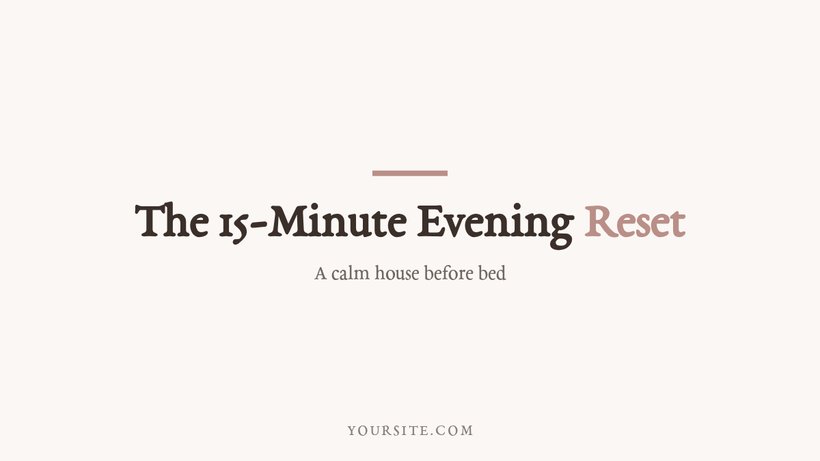
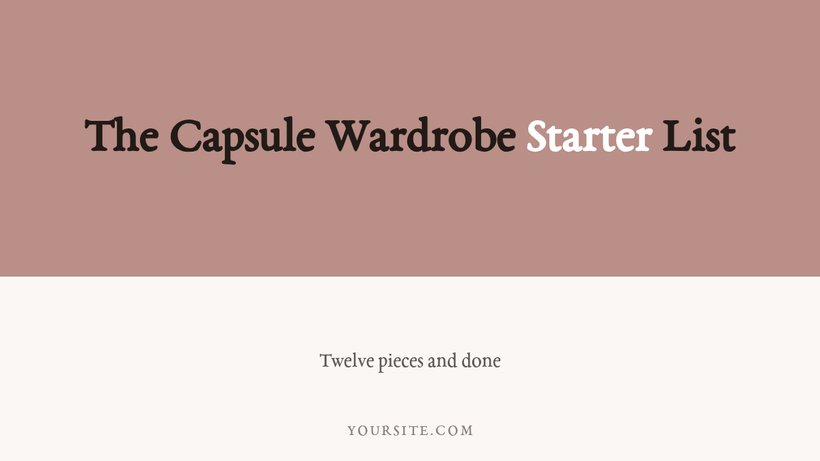
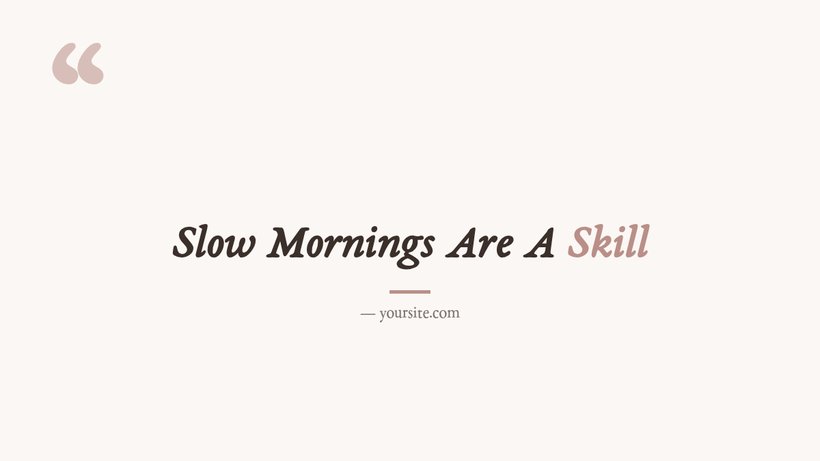
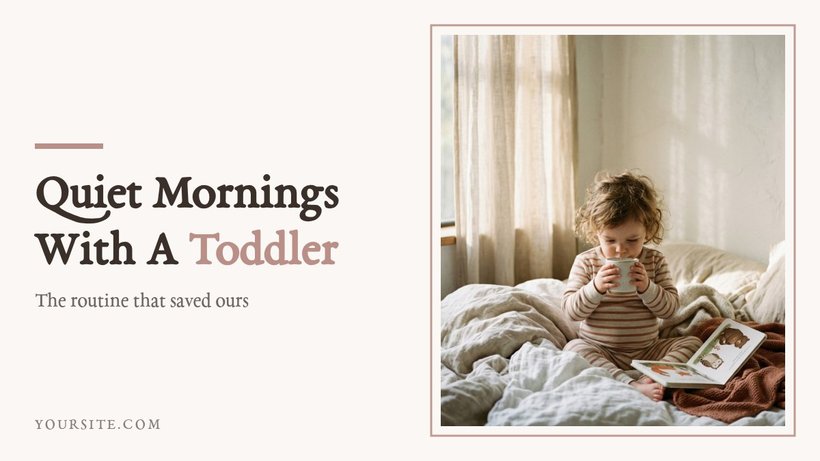
Texture
3 layoutsQuiet backgrounds mixed from your own palette.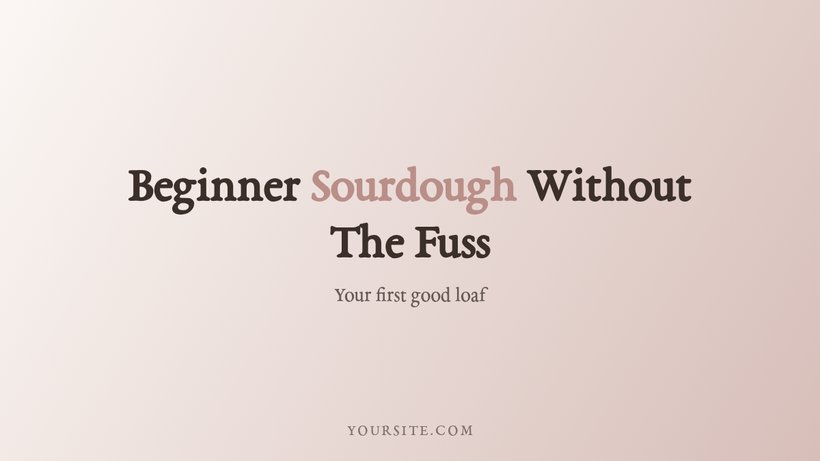
Built for a whole blog, not one image
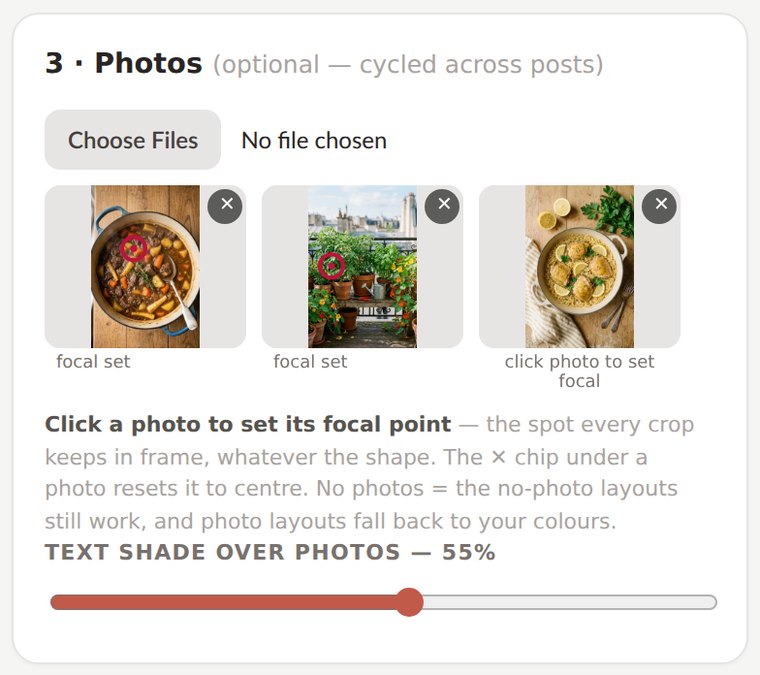
Click once, and no crop ever beheads your photo
Four sizes means four different crops of the same photo — and automatic cropping is where portraits lose heads and dinners lose plates. Here every photo has a focal point: click the spot that matters, and every crop at every size keeps it in frame.
Ten seconds per photo, once. It is the single biggest difference between this and letting a resize button decide.
The same spreadsheet you already use
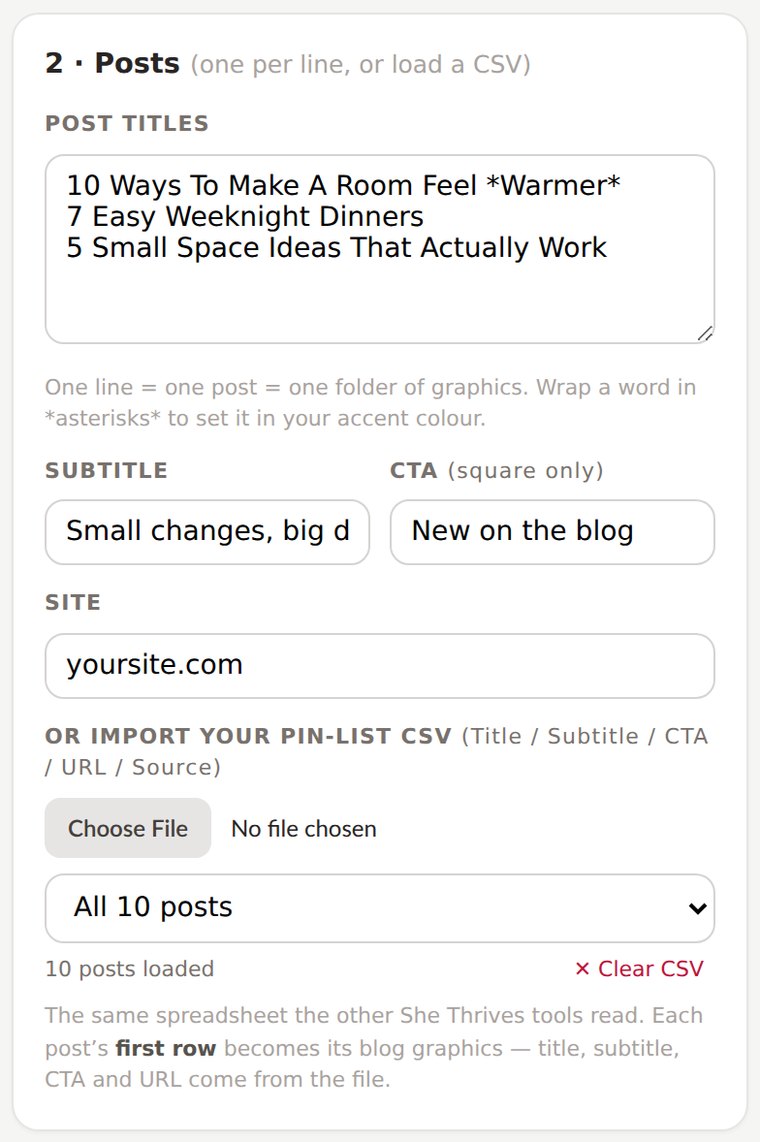
It reads the identical CSV as every She Thrives tool — Title, Subtitle, CTA, URL, Source. Load your existing pin list and each post’s first row becomes its blog graphics; the Source slug names its export folder. Ten posts, forty files, one click.
One spreadsheet now feeds your pins, your videos, your carousels, your blog graphics and your pinning calendar. Write it once.
Files your blog is glad to receive
Photo layouts export as JPG compressed to blog-friendly sizes — because a 4 MB hero image quietly ruins your page speed — while flat layouts stay crisp PNG. Every file is named by post and purpose, so the WordPress media library sorts itself.
And the ZIP includes an alt-text.csv with a ready-made alt text for every image. Accessibility and image SEO, handled in the same click.
This is the actual interface
Screenshots of the real thing, so nothing surprises you after you pay. Four small panels, a live preview of every size, one download button.
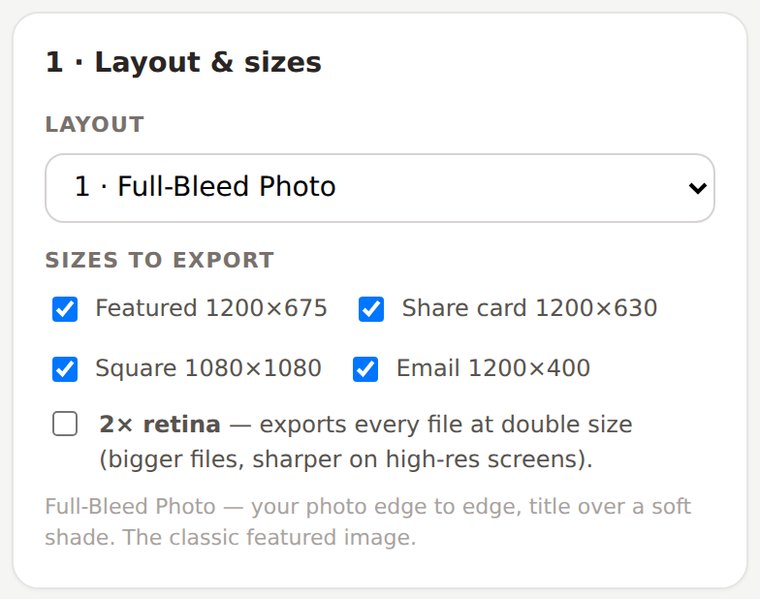
Twelve layouts in three families, and tick-boxes for exactly which sizes you want.
Photos with their focal points set — the rings mark the spot every crop will keep.
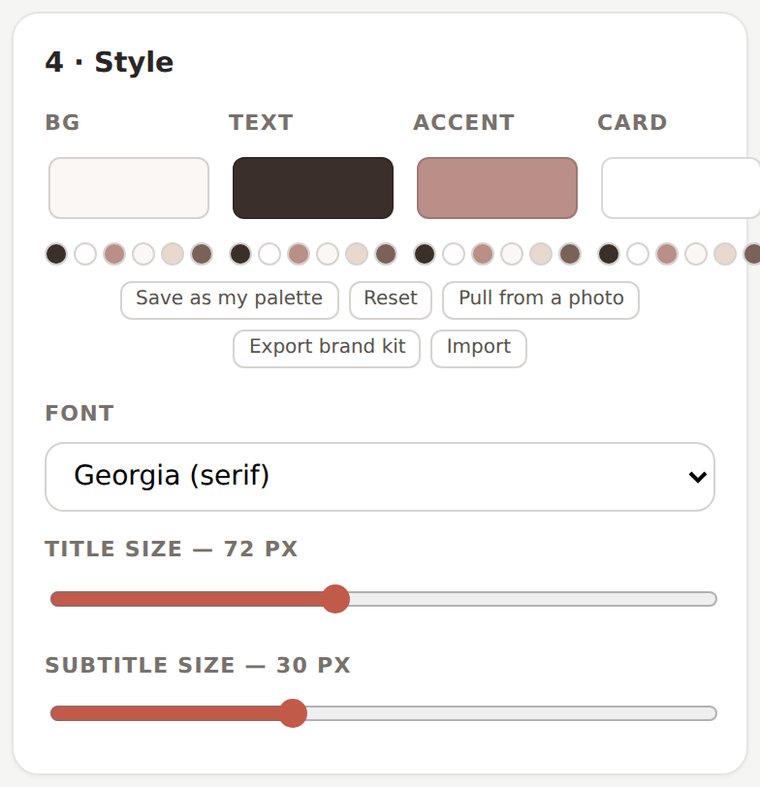
Your colours and font, saveable as a brand kit that works in every She Thrives tool.
Four moves, and none of them is “learn design software”
Type your titles
One per line, or load the CSV you already wrote for your pins. Wrap a word in *asterisks* for your accent colour.
Add photos, click focal points
Photos cycle across posts. One click marks what every crop must keep. No photos? Seven layouts don’t need any.
Pick a layout
The preview shows every ticked size, live, exactly as it will export. Change your mind as often as you like — it is instant.
Download All
One ZIP: a folder per post, every size named for its job, plus the alt-text spreadsheet. No rendering wait — these are images, not video.
Four things I would rather you knew now
None of these will surprise you on day one if you read them today.
Cropping, focal points, shades for readability: yes. Brightening a dark photo, removing a bin from the background: no. If a photo is weak, the honest fix is a plain-colour or texture layout, and seven of the twelve exist for exactly that.
Pins are a different craft — 39 layouts of it — and they live in She Thrives Traffic, where they are done properly. This tool makes everything the blog itself needs. The two read the same spreadsheet, so they work as a pair, not as overlap.
Georgia, Helvetica, Trebuchet, Palatino, Verdana, Courier. That is what makes the tool work offline with nothing to install — but it also means your custom brand font is not in the list. The palette, though, is entirely yours.
Files export compressed so your pages load fast — that is a feature, and at screen sizes you will not see the difference. If you ever need bigger, the 2× retina toggle doubles every pixel. What this is not is a print-resolution poster tool.
Who this is for
- Get it if…
- You publish regularly and the graphics are always the bottleneck
- You have a back catalogue whose featured images embarrass you a little
- You want share cards and email headers that match, without a designer
- You would rather own a tool once than rent one monthly
- You are comfortable double-clicking an HTML file
- Skip it if…
- You want photo editing — retouching, background removal, filters
- You need your custom brand font baked into every image
- You are after Pinterest pins — that is She Thrives Traffic’s job
- You want someone to make your graphics for you. This is a tool, not a service
- You publish once a quarter — honestly, Canva is fine for that
This is where buyer comments will go once there are real ones. Nothing invented sits here in the meantime — if you are reading this, you are early.
The Pin Schedule Planner comes with it
Give it a list of pins — or just a number — and it builds a dated pinning calendar with sensible spacing, board rotation, and a CSV that imports straight into Tailwind, Metricool or Publer. It pairs with She Thrives Traffic, but it is yours regardless, free, in the download folder.
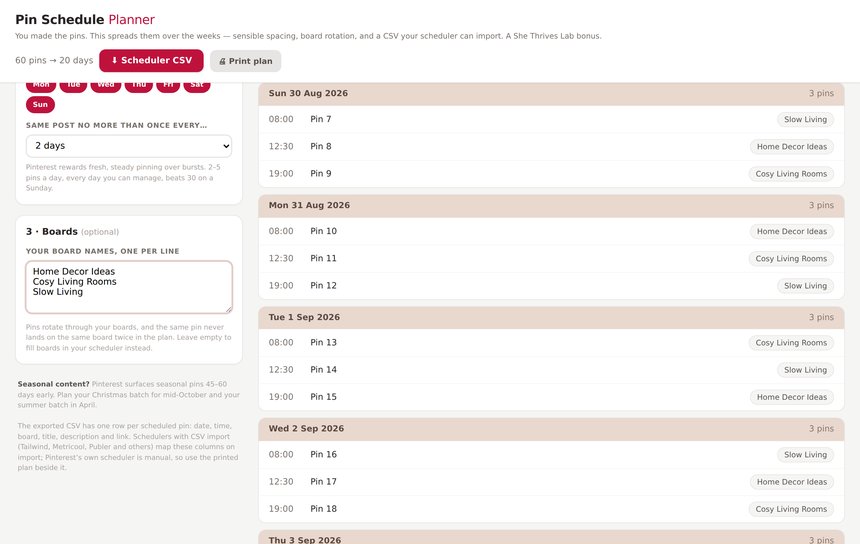
Buy it once. It is yours.
No subscription, no account, nothing to cancel. It runs on your computer, so it keeps working whatever happens to me.
- All 12 layouts, in three families
- Four sizes per post — featured, share card, square, email header
- Focal-point cropping on every photo
- Batch a whole back catalogue in one click
- CSV import — the same sheet as every She Thrives tool
- Your colours, six fonts, your text sizes, shared brand kit
- alt-text.csv written for every export
- 2× retina toggle when you need it
- Runs offline, on your own computer — instant export, no video wait
- Plain English guide, 3 ready-made spreadsheets and 6 AI prompts included
- Pin Schedule Planner included free — turns your pin list into a dated pinning calendar
- Free fixes, forever
If you are also getting She Thrives Carousels, do not buy this here. Add Blog Graphics as a tick-box at that checkout and it is $39 instead of $59. Same file, same licence, $20 less. See She Thrives Carousels →
Three promises, in plain words
A file on your computer. No login, no licence server, no monthly fee. If this business disappeared tomorrow, the tool on your desktop would carry on working.
Your photos and titles are never uploaded. Every graphic is drawn inside your own browser, which is also why it works on a train with no signal.
Email support@shethriveslab.com — or reply to your purchase email — and say what you clicked, what you expected and what happened instead. If it is a bug I fix it and send you the new file, free, however long after you bought it.
The ones worth answering
Do I need Photoshop, Canva or any design skill?
No. You type titles, add photos and click a layout. The design decisions — spacing, sizes that fit, readable text over photos — are already made and they follow your brand colours. If you can attach a file to an email, you can run this.
What exactly is a share card, and do I need one?
When someone pastes your link into Facebook, LinkedIn, Slack or WhatsApp, the platform fetches an image for the preview — the og:image. If you have not set one, it grabs and crops whatever it finds. The share card is a file made at the exact pixels platforms use, so shared links always look deliberate. Your SEO plugin (Yoast, Rank Math and the like) has a field for it.
Does it work with my WordPress theme?
The sizes are the ones themes are built around — 16:9 featured images and 1200×630 og images are the norm. The files are ordinary JPG/PNG uploads, so there is nothing to integrate: you upload them exactly as you upload any image now.
Can it fetch my posts automatically?
No — browsers do not let a local file crawl your website, and I would rather tell you that than pretend. You paste titles or load a CSV. The included AI prompt writes the whole CSV from a list of titles in one go, which in practice takes about a minute.
I already own She Thrives Traffic. Is this the same thing at a different size?
No — Traffic makes Pinterest pins (portrait, 39 pin-specific layouts, batch titles per post). This makes the blog’s own graphics: featured, share card, square, email. They share the CSV and the brand kit, so together they cover a post end to end without overlapping.
Mac? Windows? Phone?
Mac, Windows, Linux — any modern browser. It runs on a phone too, but picking folders of photos is fiddly there; a computer is the comfortable place for a batch.
What about updates?
Free, forever. When layouts are added or something is fixed, your download link serves the new file. There is nothing to claim and no upgrade to buy.
Refunds?
No refunds — it is an instant download, so the moment you pay, the product is in your hands. That is exactly why this page shows real exports, the real interface, and the four things the tool deliberately does not do. Duplicate charges are refunded immediately, and genuine bugs get fixed free for as long as you own it.
Your next post deserves better than a rushed crop
Twelve layouts, four sizes, your brand, one click — and a back catalogue that can finally match. Buy it once and it is yours.