The Blog Launch Bundle
Bring your next
blog chapter
together.
A guided Blog Box for your subject, plus four tools to create the pages, freebies and images around it.
Choose my Blog Box$199 USD launch · $229 regular
One-time purchase · four tools + one Blog Box · digital downloads
Start with one useful idea
A clear path from
notes to a page
you can share.
Choose the Blog Box that fits what you want to write about. Use your own experience and checked sources to develop an article, then create the supporting pieces at your own pace.
You get the full versions of Traffic, Mockup Maker, Page Engine and Lead Magnets, together with your chosen Blog Box. Each is a file you download and keep.
Five products. One place to begin.
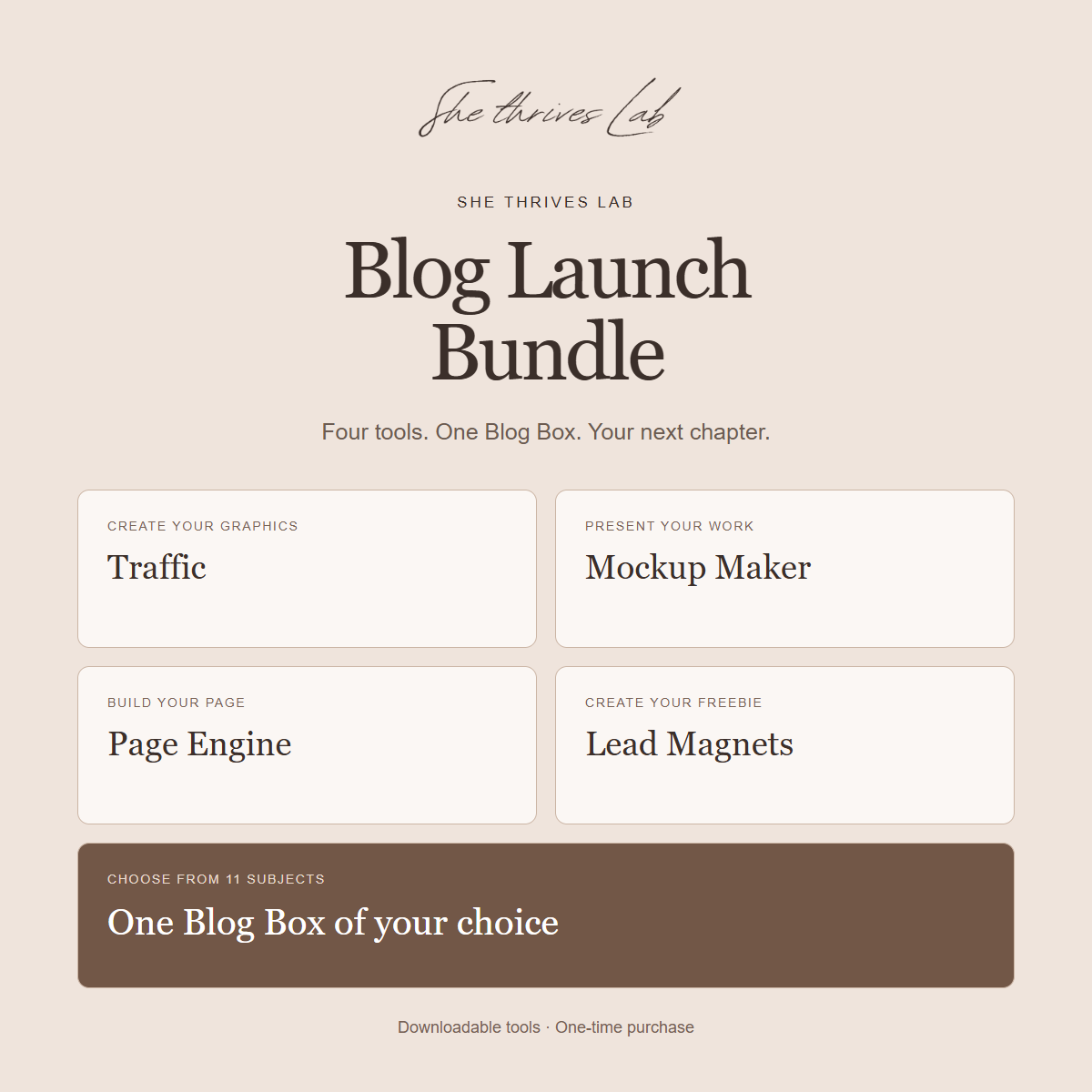
Meet the pieces of your bundle.
Traffic
Turn your titles, links, brand colours and photos into Pinterest and content graphics. Work on one idea or prepare a batch.
Mockup Maker
Create product preview images using your own designs, covers and screenshots, ready for a page or promotion.
Page Engine
Build and export an HTML page for your project. Add your text and media, review it on mobile and publish through your own website.
Lead Magnets
Turn your knowledge into helpful checklists, worksheets, guides and interactive freebies using your own content.
One Blog Box of your choice
A beginner workspace with topic ideas, guided questions, source notes, an editable outline, a worked example, image tools and publishing help. Choose one of these 11 subjects:
- Food
- Home & Living
- Travel
- Faith & Devotionals
- Personal Finance
- Health & Wellness
- Beauty & Skincare
- Fashion & Personal Style
- Small Business & Freelancing
- Gardening & Plants
- Parenting & Family
Your selection determines which Blog Box is included in your downloads. You can review the individual Blog Box pages before choosing.
Use one piece at a time
A small first project is enough.
1. Shape one article.
Open your Blog Box and follow its beginner setup. Choose a topic, bring your real notes and identify the sources you need.
2. Create its supporting pieces.
Use Lead Magnets for a useful freebie, Page Engine for a page, and Mockup Maker for a preview when your project needs them.
3. Prepare something to share.
Use Traffic to create graphics that point to your finished page. Review the wording, links and images before publishing.
Your bundle. Your subject.
Which Blog Box
will you start with?
$199 USD launch · $229 regular
Choose one Blog Box below. All four tools are included with every choice.
Current price of the five products separately: $285.00.
Instant digital delivery after checkout. Your receipt contains the protected download links.
Before you begin
What to have ready.
- A computer with Chrome or Edge and room to save your downloads.
- Your own text, notes, brand details and any photos or designs you want to use.
- Your own website or hosting when you are ready to publish a page.
- An email or form service if you want to collect sign-ups from a freebie.
Files you keep
Download. Extract.
Open the guide.
Your order delivers five ZIP downloads: the four tools and your selected Blog Box.
Extract each ZIP before opening its folder. Start with its guide and keep backups of your projects. The tools help you create and prepare your materials; you review and publish the final work.
Website hosting, domains, email services and optional AI subscriptions are supplied separately. Platform rules determine which exported HTML features your website can run.
A few practical questions
Know what you are choosing.
Which Blog Box do I receive?
The one you select before checkout. Your order summary and receipt show the selected subject, and the download list includes that Box alongside the four tools.
Is this a subscription?
No. It is a one-time purchase of downloadable products. Your own hosting, email service or optional AI assistant may have separate charges.
Can I use this as a complete beginner?
Start with the Blog Box’s beginner path and one article. The included guides explain each product. You can add the other tools to your workflow as your project needs them.
Will it write and publish everything automatically?
You bring your experience and checked information, review the work and publish it yourself. An external AI assistant can help with a prepared brief if you choose to use one.
Can I use the things I create commercially?
You can use permitted outputs for your own business and client work under each included licence. The source tools, templates and product files cannot be resold or redistributed.
How do I receive the files and get help?
Your order confirmation and receipt contain protected downloads. Extract each ZIP and open its guide. For help, email support@shethriveslab.com with your order number and browser. Review our refund policy before purchasing; statutory rights remain.